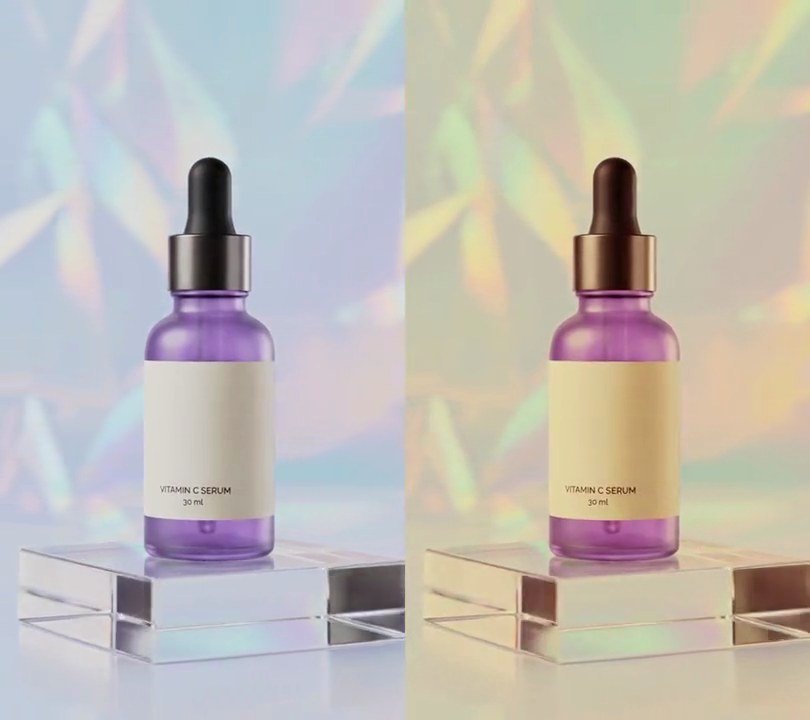
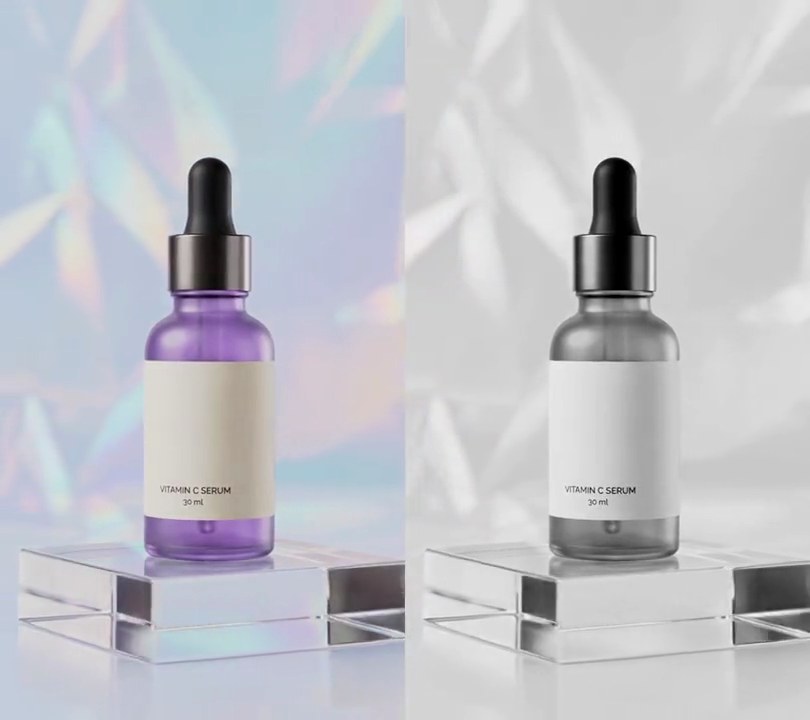
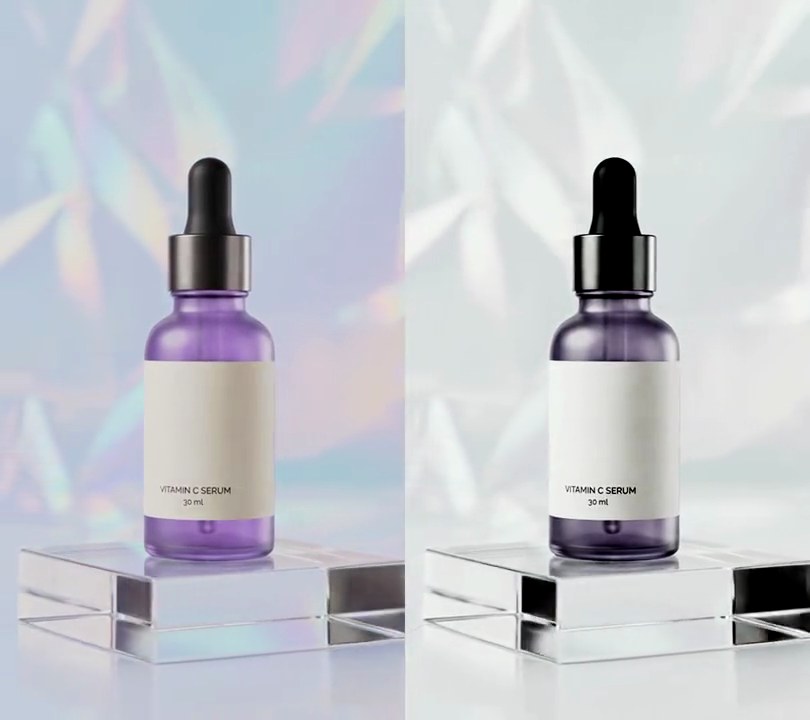
Get this effect
Switch to Code in your Claude Desktop App
Install the skill (once)
Show the prompt
Install the Recharm video effects skill: download https://recharm-growth-staging.s3.us-east-2.amazonaws.com/website/downloads/recharm-video-effects.zip and unzip it into ~/.claude/skillsAsk for the effect
Add a color replace to input.mp4
Hue range to replace, on OpenCV's 0-180 scale: (118, 158)
Pixels less saturated than this keep their color, so pale tints of the same hue are left alone: 60

Several videos, several effects, one ask
Put your clips in the folder, mention them with @, and ask for everything at once. Claude runs one tested script after another on each clip, then joins them.
Add a color replace to @clip1.mp4, put a sale badge on @clip2.mp4, give @clip3.mp4 a VHS look, then join all three with crossfades.
Settings you can change
Ask Claude to change any of these, or edit them at the top of the script.
| Setting | Default | What it does |
|---|---|---|
FROM_HUE | (118, 158) | Hue range to replace, on OpenCV's 0-180 scale. 118-158 is the bottle's purple. |
MIN_SAT | 60 | Pixels less saturated than this keep their color, so pale tints of the same hue are left alone. |
SOFT | 8 | How gradually the mask fades at the edges of the hue and saturation ranges. |
TO_HUE | 18 | The new hue, 0-180. 18 is amber orange; 60 is green, 100 blue. |
SAT_BOOST | 1.6 | Saturation multiplier on the new color. 1 keeps the original strength. |
START | 1.0 | Second the new color starts fading in. 0 replaces it from the first frame. |
FADE | 0.4 | Seconds the change takes. |
Without the skill
Don’t want to install the skill? Paste this prompt into Claude Code and Claude writes the script itself.
Show the prompt
In input.mp4, replace the bottle's purple with amber orange using Python and OpenCV. Convert each frame to HSV (OpenCV scale, hue 0-180) and select pixels with hue between 118 and 158 and saturation above 60, fading the mask over 8 units at both edges and blurring it with a 5x5 Gaussian so the edges don't band. In those pixels set the hue to 18 (amber orange) and multiply the saturation by 1.6, keeping the brightness. Leave the first second untouched, then fade the new color in from 1.0 to 1.4 seconds and keep it to the end. Everything less saturated, like the pale lilac backdrop, keeps its color. No text is drawn (if you add any, draw it with Pillow, not ffmpeg's drawtext). Keep the size, 30fps, the 6-second length and the audio, and save it as output.mp4.Run it without Claude
This is the exact script we tested. Save it as color-replace.py and run:
python3 color-replace.py input.mp4 output.mp4Show the script
#!/usr/bin/env python3
"""Color replace: at 1 second the purple bottle turns amber orange while the pastel backdrop keeps its colors.

Usage: python3 color-replace.py input.mp4 output.mp4
Needs ffmpeg, OpenCV and numpy (pip install opencv-python-headless numpy).
"""
import subprocess
import sys

import cv2
import numpy as np

FROM_HUE = (118, 158)   # hue range to replace, OpenCV scale 0-180 (here the bottle's purple, 236-316 degrees)
MIN_SAT = 60            # pixels less saturated than this keep their color (the pale lilac backdrop)
SOFT = 8                # hue and saturation units over which the mask fades, so edges don't band
TO_HUE = 18             # new hue, 0-180 (18 = amber orange, 36 degrees)
SAT_BOOST = 1.6         # saturation multiplier on the replaced color
START = 1.0             # second the new color starts fading in
FADE = 0.4              # seconds the change takes


def mask_of(hsv):
    """0-1 weight per pixel: how much it belongs to the color being replaced."""
    h, s = hsv[..., 0].astype(np.float32), hsv[..., 1].astype(np.float32)
    in_hue = np.clip(np.minimum(h - FROM_HUE[0], FROM_HUE[1] - h) / SOFT + 0.5, 0, 1)
    in_sat = np.clip((s - MIN_SAT) / SOFT + 0.5, 0, 1)
    return cv2.GaussianBlur(in_hue * in_sat, (5, 5), 0)[..., None]


def recolor(frame, amount):
    hsv = cv2.cvtColor(frame, cv2.COLOR_BGR2HSV)
    swapped = hsv.copy()
    swapped[..., 0] = TO_HUE
    swapped[..., 1] = np.clip(hsv[..., 1] * SAT_BOOST, 0, 255)
    new = cv2.cvtColor(swapped, cv2.COLOR_HSV2BGR).astype(np.float32)
    weight = mask_of(hsv) * amount
    return (frame * (1 - weight) + new * weight).astype(np.uint8)


src, out = sys.argv[1:3]
video = cv2.VideoCapture(src)
fps = video.get(cv2.CAP_PROP_FPS)
w, h = int(video.get(cv2.CAP_PROP_FRAME_WIDTH)), int(video.get(cv2.CAP_PROP_FRAME_HEIGHT))
ff = subprocess.Popen(["ffmpeg", "-y", "-v", "error", "-f", "rawvideo", "-pix_fmt", "bgr24", "-s", f"{w}x{h}",
                       "-r", str(fps), "-i", "-", "-i", src, "-map", "0:v", "-map", "1:a?", "-shortest",
                       "-c:v", "libx264", "-crf", "18", "-pix_fmt", "yuv420p", "-c:a", "copy", out],
                      stdin=subprocess.PIPE)
i = 0
while True:
    ok, frame = video.read()
    if not ok:
        break
    amount = min(max((i / fps - START) / FADE, 0), 1)
    ff.stdin.write((recolor(frame, amount) if amount else frame).tobytes())
    i += 1
ff.stdin.close()
if ff.wait():
    sys.exit("ffmpeg failed")