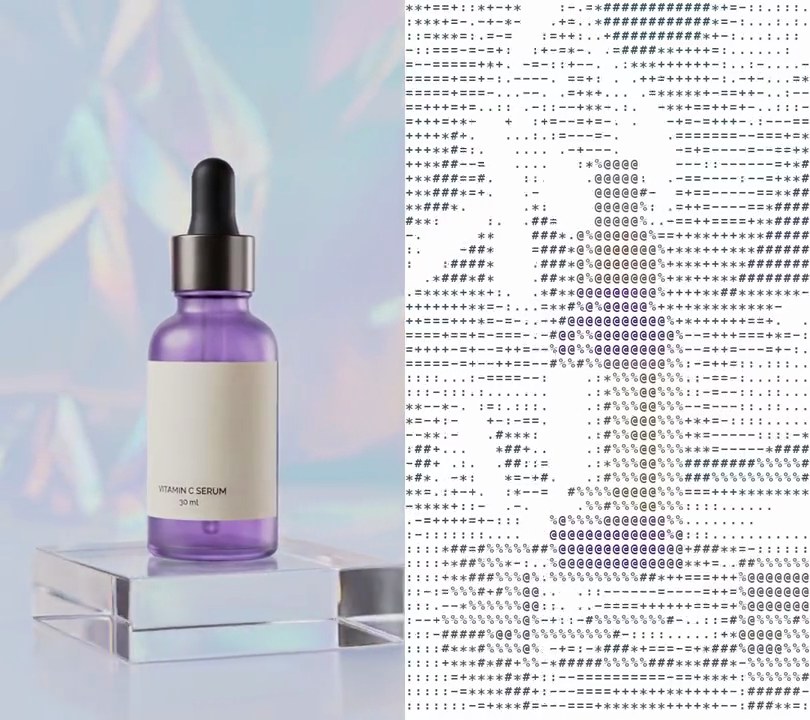
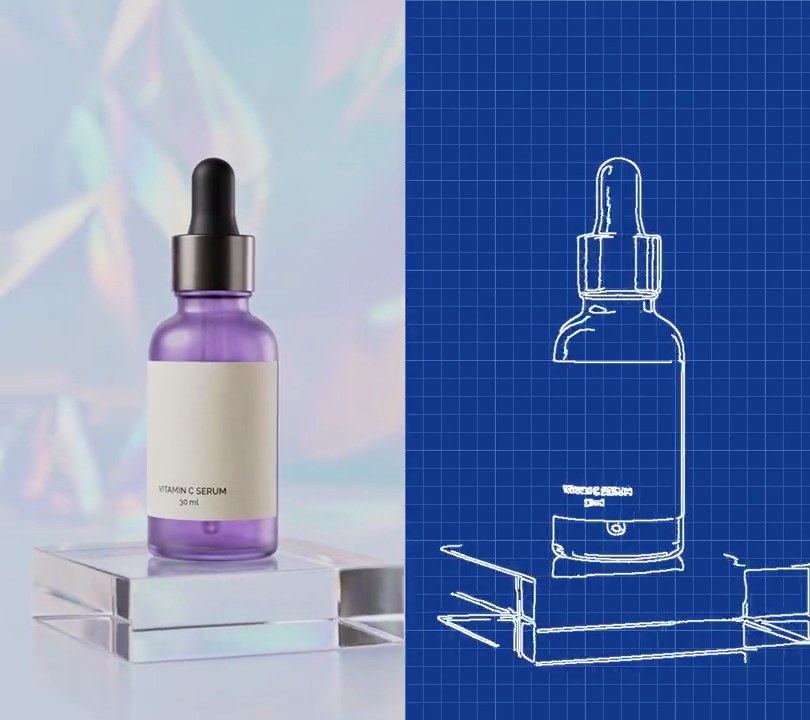
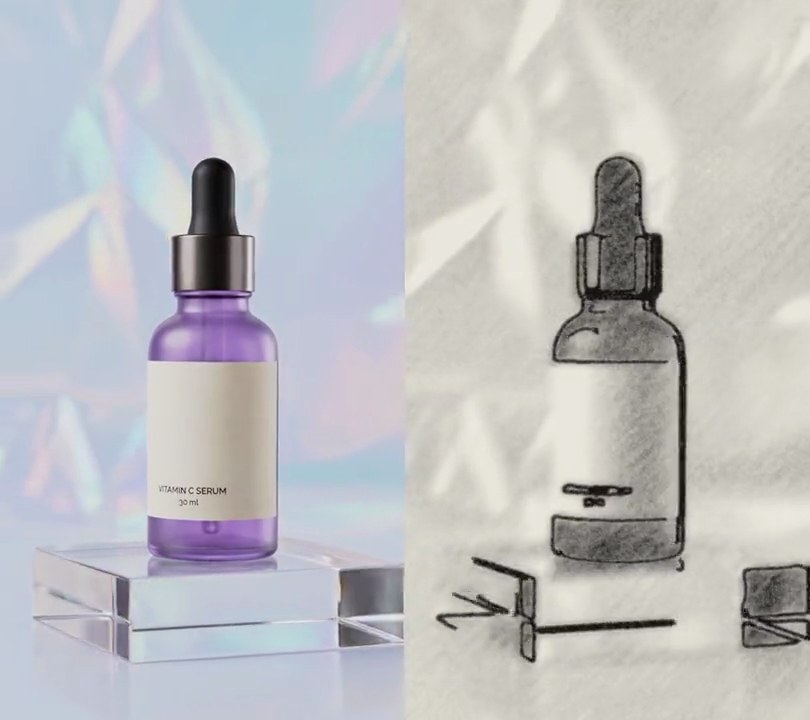
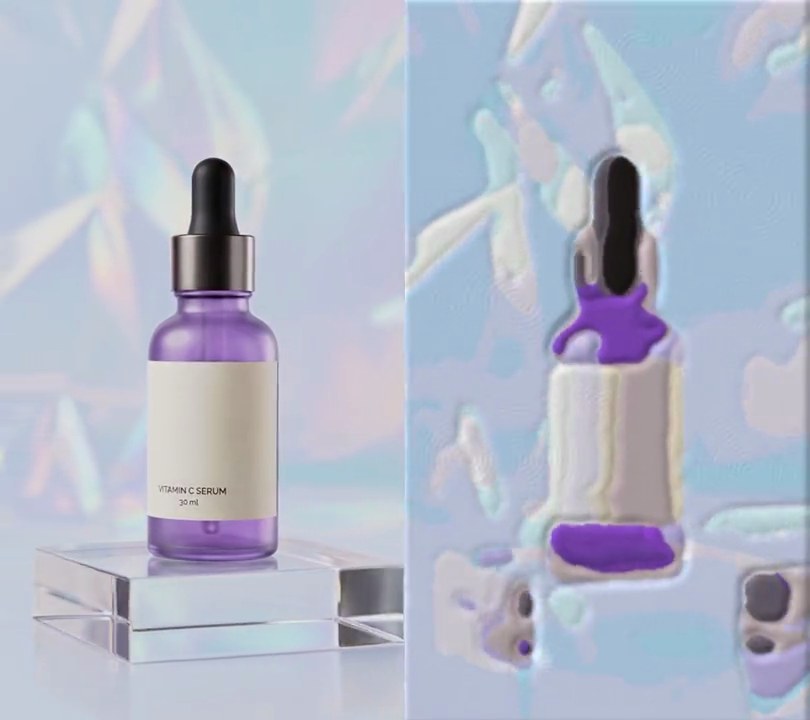
Get this effect
Switch to Code in your Claude Desktop App
Install the skill (once)
Show the prompt
Install the Recharm video effects skill: download https://recharm-growth-staging.s3.us-east-2.amazonaws.com/website/downloads/recharm-video-effects.zip and unzip it into ~/.claude/skillsAsk for the effect
Add a threshold to input.mp4
Brightness, on the clip's stored 0-255 luma scale, from which a pixel turns white: 186
Blur radius before the cut, so grain doesn't break the edges into speckles: 2

Several videos, several effects, one ask
Put your clips in the folder, mention them with @, and ask for everything at once. Claude runs one tested script after another on each clip, then joins them.
Add a threshold to @clip1.mp4, put a sale badge on @clip2.mp4, give @clip3.mp4 a VHS look, then join all three with crossfades.
Settings you can change
Ask Claude to change any of these, or edit them at the top of the command.
| Setting | Default | What it does |
|---|---|---|
THRESHOLD | 186 | Brightness, on the clip's stored 0-255 luma scale, from which a pixel turns white. Raise it for more black; this footage is bright, so small changes move a lot. |
SMOOTH | 2 | Blur radius before the cut, so grain doesn't break the edges into speckles. 0 turns it off. |
Without the skill
Don’t want to install the skill? Paste this prompt into Claude Code and Claude writes the command itself.
Show the prompt
Apply a threshold effect to the whole of input.mp4 so every pixel is either pure black or pure white. First blur each frame slightly (Gaussian blur, sigma 2) so grain doesn't turn into speckles, then make every pixel whose luma value (as stored in the video, 0-255) is 186 or higher pure white (255) and every other pixel pure black (0), with no color left. Use ffmpeg; no text is drawn, but if you add any, draw it with Pillow, not ffmpeg's drawtext. Keep the size, length (6 seconds) and audio, output 30fps H.264 yuv420p, and save it as output.mp4.Run it without Claude
This is the exact command we tested. Save it as threshold.sh and run:
sh threshold.sh input.mp4 output.mp4Show the command
#!/bin/sh
# Threshold: turn every pixel pure black or pure white, so the shot becomes a stark stencil of flat shapes.
# Usage: sh threshold.sh input.mp4 output.mp4
# Needs ffmpeg.
set -e
IN="$1"; OUT="$2"
THRESHOLD=186   # brightness (the clip's stored luma, 0-255) from which a pixel turns white; raise it for more black
SMOOTH=2        # blur radius before the cut, so grain doesn't break the edges into speckles; 0 turns it off

# Blur slightly, then set the brightness to 0 or 255 and the color to neutral gray.
ffmpeg -y -i "$IN" -vf "gblur=sigma=$SMOOTH,lutyuv=y='if(gte(val,$THRESHOLD),255,0)':u=128:v=128" \
  -r 30 -c:v libx264 -crf 16 -pix_fmt yuv420p -c:a copy "$OUT"