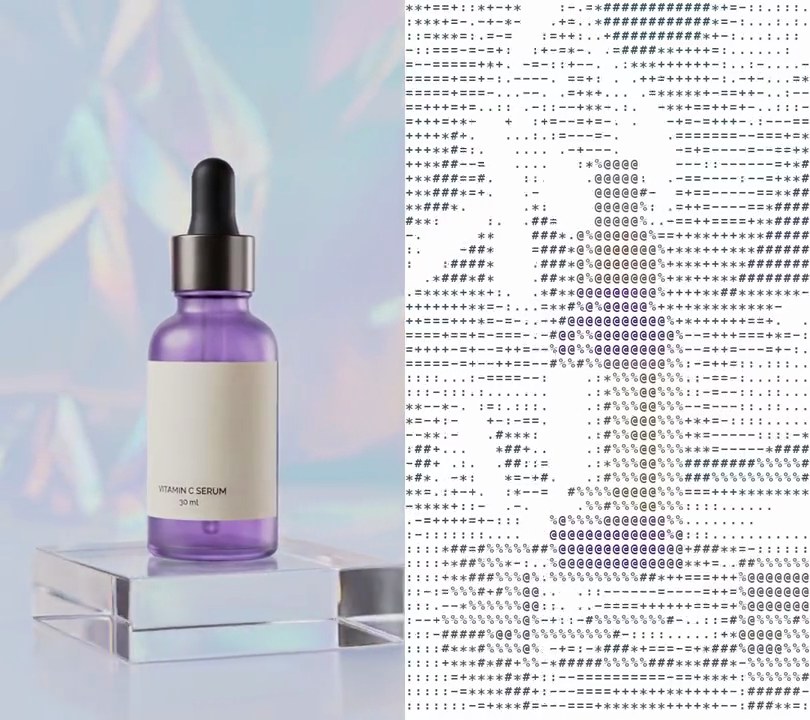
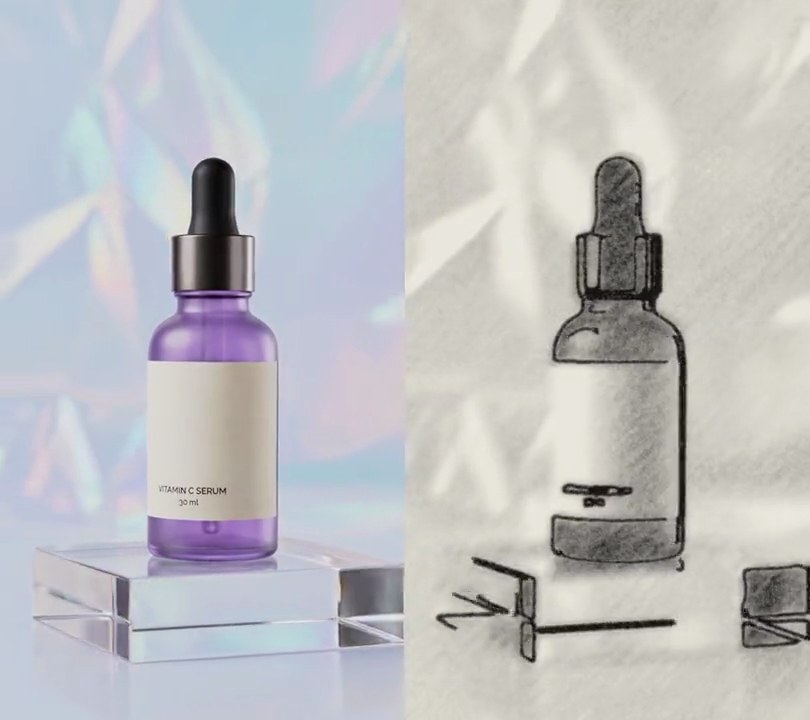
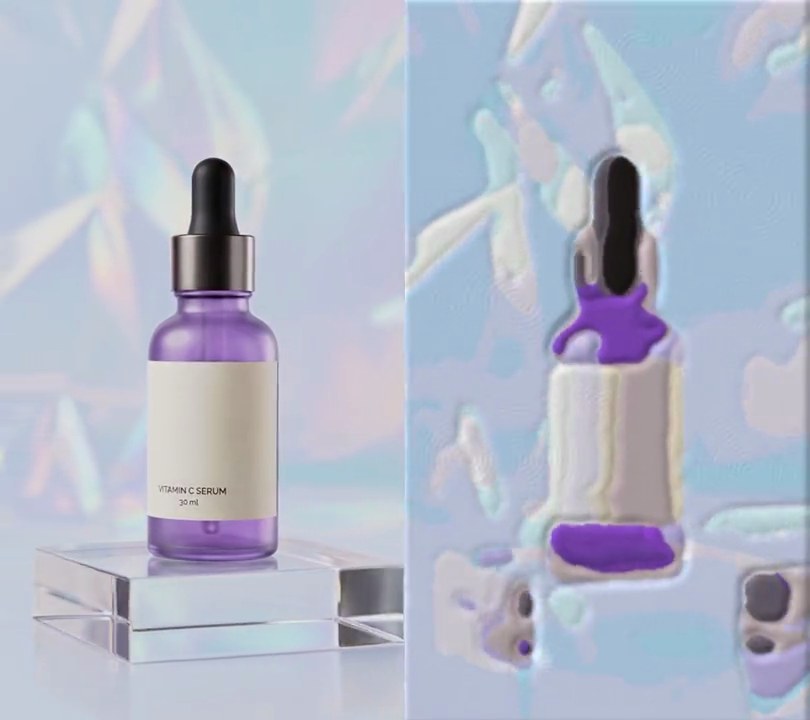
Get this effect
Switch to Code in your Claude Desktop App
Install the skill (once)
Show the prompt
Install the Recharm video effects skill: download https://recharm-growth-staging.s3.us-east-2.amazonaws.com/website/downloads/recharm-video-effects.zip and unzip it into ~/.claude/skillsAsk for the effect
Add a posterize to input.mp4
Flat levels per color channel: 4
Blur radius applied before banding, so grain doesn't break the band edges into speckles: 1.5

Several videos, several effects, one ask
Put your clips in the folder, mention them with @, and ask for everything at once. Claude runs one tested script after another on each clip, then joins them.
Add a posterize to @clip1.mp4, put a sale badge on @clip2.mp4, give @clip3.mp4 a VHS look, then join all three with crossfades.
Settings you can change
Ask Claude to change any of these, or edit them at the top of the command.
| Setting | Default | What it does |
|---|---|---|
LEVELS | 4 | Flat levels per color channel. 2 or 3 gives bold pop-art blocks; 6 or more keeps more of the original shading. |
SMOOTH | 1.5 | Blur radius applied before banding, so grain doesn't break the band edges into speckles. 0 turns it off. |
Without the skill
Don’t want to install the skill? Paste this prompt into Claude Code and Claude writes the command itself.
Show the prompt
Apply a posterize effect to all of input.mp4, from the first frame to the last. First soften it slightly with a Gaussian blur of sigma 1.5 (ffmpeg's gblur) so grain doesn't speckle the band edges. Then cut each of the red, green and blue channels separately to 4 levels with the same curve (ffmpeg's lutrgb): a value v becomes floor(v*4/256)*255/3, so 0-63 becomes 0, 64-127 becomes 85, 128-191 becomes 170 and 192-255 becomes 255. Smooth gradients should turn into flat, hard-edged bands of color. Don't change anything else. Keep the size, frame rate, length and audio the same. Use ffmpeg and save it as output.mp4.Run it without Claude
This is the exact command we tested. Save it as posterize.sh and run:
sh posterize.sh input.mp4 output.mp4Show the command
#!/bin/sh
# Posterize: cut each color channel down to a few flat levels, so smooth gradients turn into hard-edged bands.
# Usage: sh posterize.sh input.mp4 output.mp4
set -e
IN="$1"; OUT="$2"
LEVELS=4     # flat levels per channel (4 gives 0, 85, 170 and 255); fewer makes bolder, more graphic bands
SMOOTH=1.5   # blur radius before banding, so grain doesn't break the band edges into speckles; 0 turns it off

# Split 0-255 into LEVELS equal slices and set every value in a slice to that slice's level.
CURVE="floor(val*$LEVELS/256)*255/($LEVELS-1)"
ffmpeg -y -i "$IN" -vf "gblur=sigma=$SMOOTH,lutrgb=r='$CURVE':g='$CURVE':b='$CURVE'" \
  -c:v libx264 -crf 18 -pix_fmt yuv420p -c:a copy "$OUT"