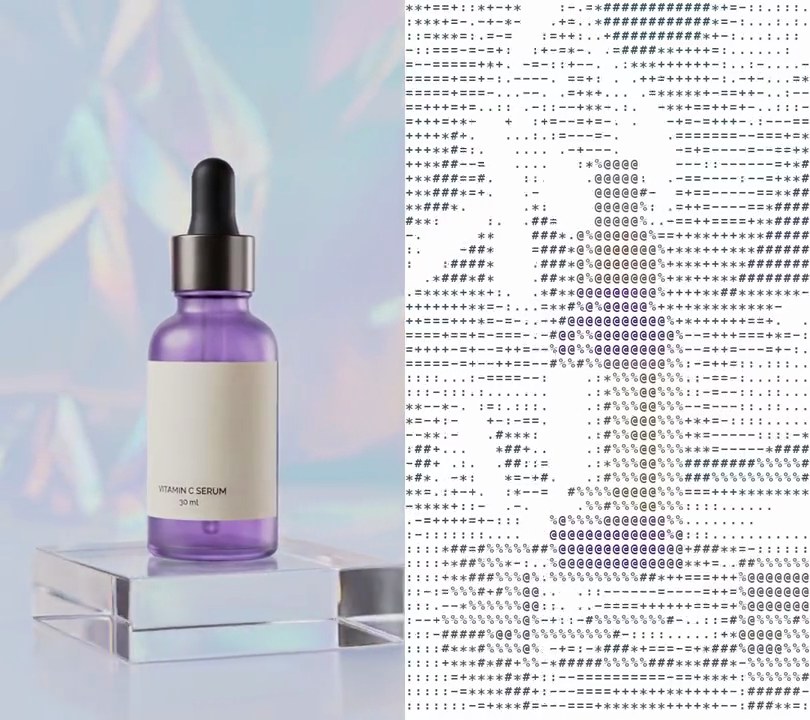
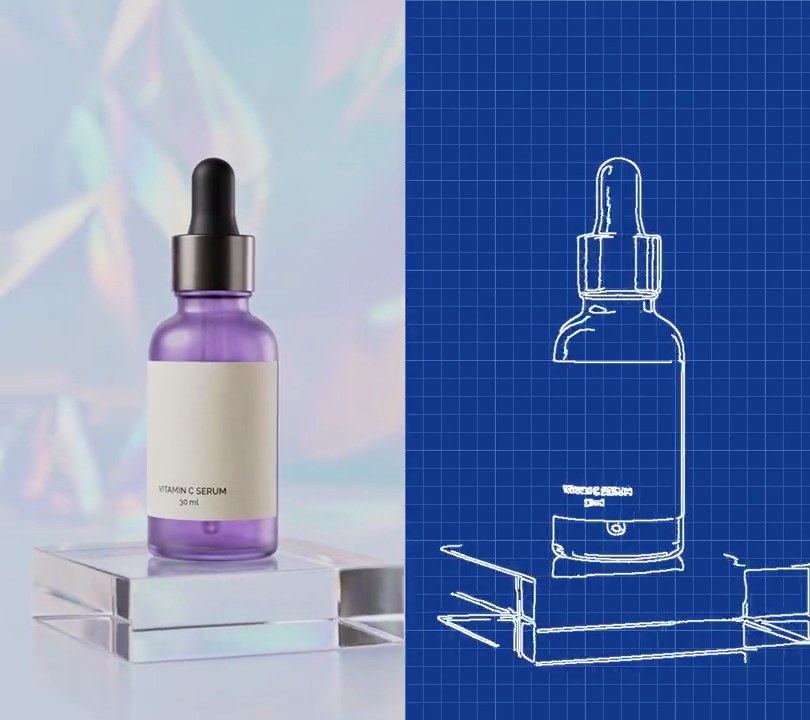
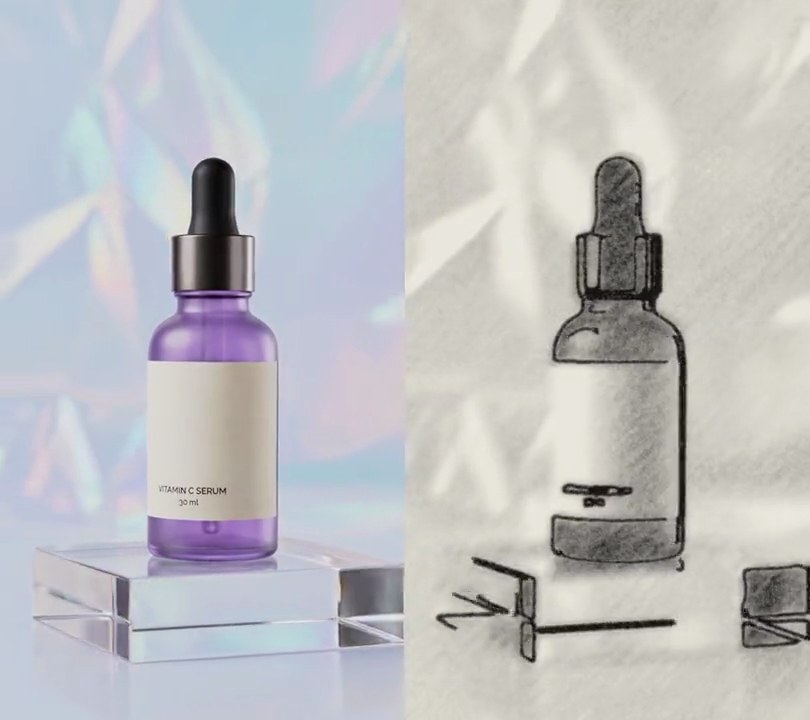
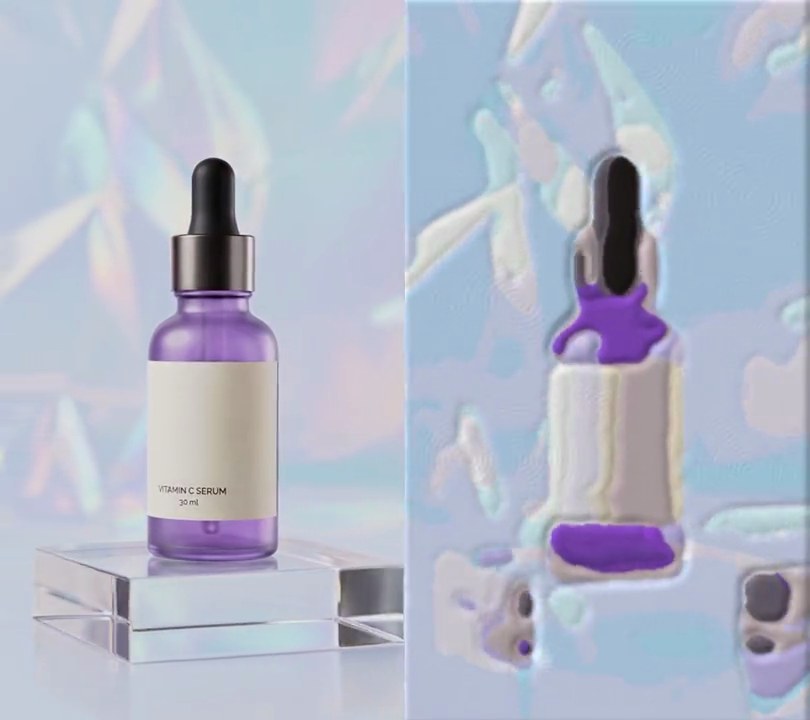
Get this effect
Switch to Code in your Claude Desktop App
Install the skill (once)
Show the prompt
Install the Recharm video effects skill: download https://recharm-growth-staging.s3.us-east-2.amazonaws.com/website/downloads/recharm-video-effects.zip and unzip it into ~/.claude/skillsAsk for the effect
Add a pointillism to input.mp4
Second the picture turns into dots: 1.0
Average pixels between dot centers: 8

Several videos, several effects, one ask
Put your clips in the folder, mention them with @, and ask for everything at once. Claude runs one tested script after another on each clip, then joins them.
Add a pointillism to @clip1.mp4, put a sale badge on @clip2.mp4, give @clip3.mp4 a VHS look, then join all three with crossfades.
Settings you can change
Ask Claude to change any of these, or edit them at the top of the script.
| Setting | Default | What it does |
|---|---|---|
START | 1.0 | Second the picture turns into dots. |
SPACING | 8 | Average pixels between dot centers. Bigger gives fewer, sparser dots. |
JITTER | 3 | How far each dot strays from an even grid, in pixels. |
RADIUS | (2, 4) | Smallest and largest dot radius in pixels. |
CANVAS | (255, 255, 255) | Background color between the dots. |
SATURATION | 2.0 | Color boost for the dots. |
CONTRAST | 1.2 | Contrast boost for the dots. |
SEED | 7 | Random seed for the dot layout. |
Without the skill
Don’t want to install the skill? Paste this prompt into Claude Code and Claude writes the script itself.
Show the prompt
Give input.mp4 (540x960) a pointillist painting look from 1.0 seconds to the end; before 1.0 seconds leave it untouched. Lay out the dots once: one dot per cell of an 8 pixel grid (first center at 4, 4), each moved by a random whole number from -3 to 3 pixels in x and y and given a random radius of 2, 3 or 4 pixels, using a fixed random seed so the dots stay in place from frame to frame. For each frame from 1.0 s: box-blur it with a 2 pixel radius, raise the color saturation by 2.0x and then the contrast by 1.2x (as Pillow's ImageEnhance does), start from a pure white (255, 255, 255) canvas and draw every dot as a filled circle in the color of that softened frame at the dot's center. White should show between the dots everywhere, about 40% of the frame. Use Python with numpy and Pillow for the frames and ffmpeg to read and write the video (don't use ffmpeg's drawtext if you add any text), keep the size, 30fps, the 6 second length and the audio, and save it as output.mp4.Run it without Claude
This is the exact script we tested. Save it as pointillism.py and run:
python3 pointillism.py input.mp4 output.mp4Show the script
#!/usr/bin/env python3
"""Pointillism: at one second the shot is repainted as thousands of round color dots scattered on white canvas.

Usage: python3 pointillism.py input.mp4 output.mp4
Needs ffmpeg, Pillow and numpy (pip install pillow numpy).
"""
import json
import subprocess
import sys

import numpy as np
from PIL import Image, ImageDraw, ImageEnhance, ImageFilter

START = 1.0                  # second the picture turns into dots
SPACING = 8                  # average pixels between dot centers
JITTER = 3                   # how far each dot strays from its place on that grid, in pixels
RADIUS = (2, 4)              # smallest and largest dot radius in pixels
CANVAS = (255, 255, 255)     # background showing between the dots
SATURATION = 2.0             # color boost, for a painted look
CONTRAST = 1.2               # contrast boost, so the dots read against the white
SEED = 7                     # same seed, same dot layout: the dots stay put and only their colors change


def paint(img):
    """Repaint one frame as dots, each filled with the (softened, saturated) color under its center."""
    soft = ImageEnhance.Color(img.filter(ImageFilter.BoxBlur(2))).enhance(SATURATION)
    soft = ImageEnhance.Contrast(soft).enhance(CONTRAST)
    colors = np.asarray(soft)[ys, xs]
    canvas = Image.new("RGB", img.size, CANVAS)
    draw = ImageDraw.Draw(canvas)
    for x, y, r, c in zip(xs, ys, radii, colors):
        draw.ellipse([x - r, y - r, x + r, y + r], fill=tuple(int(v) for v in c))
    return canvas


def probe(path):
    info = json.loads(subprocess.check_output(["ffprobe", "-v", "error", "-select_streams", "v:0", "-show_entries",
                                               "stream=width,height,r_frame_rate", "-of", "json", path]))
    s = info["streams"][0]
    num, den = s["r_frame_rate"].split("/")
    return s["width"], s["height"], s["r_frame_rate"], float(num) / float(den)


src, out = sys.argv[1:3]
w, h, rate, fps = probe(src)
rng = np.random.default_rng(SEED)
gy, gx = np.mgrid[SPACING // 2:h:SPACING, SPACING // 2:w:SPACING].reshape(2, -1)
xs = np.clip(gx + rng.integers(-JITTER, JITTER + 1, gx.size), 0, w - 1)
ys = np.clip(gy + rng.integers(-JITTER, JITTER + 1, gy.size), 0, h - 1)
radii = rng.integers(RADIUS[0], RADIUS[1] + 1, gx.size)

reader = subprocess.Popen(["ffmpeg", "-v", "error", "-i", src, "-f", "rawvideo", "-pix_fmt", "rgb24", "-"],
                          stdout=subprocess.PIPE)
writer = subprocess.Popen(["ffmpeg", "-y", "-v", "error", "-f", "rawvideo", "-pix_fmt", "rgb24", "-s", f"{w}x{h}",
                           "-r", rate, "-i", "-", "-i", src, "-map", "0:v", "-map", "1:a?",
                           "-c:v", "libx264", "-crf", "18", "-pix_fmt", "yuv420p", "-c:a", "copy", "-shortest", out],
                          stdin=subprocess.PIPE)
i = 0
while raw := reader.stdout.read(w * h * 3):
    img = Image.frombytes("RGB", (w, h), raw)
    if i / fps >= START:
        img = paint(img)
    writer.stdin.write(img.tobytes())
    i += 1
writer.stdin.close()
if reader.wait() or writer.wait():
    sys.exit("ffmpeg failed")