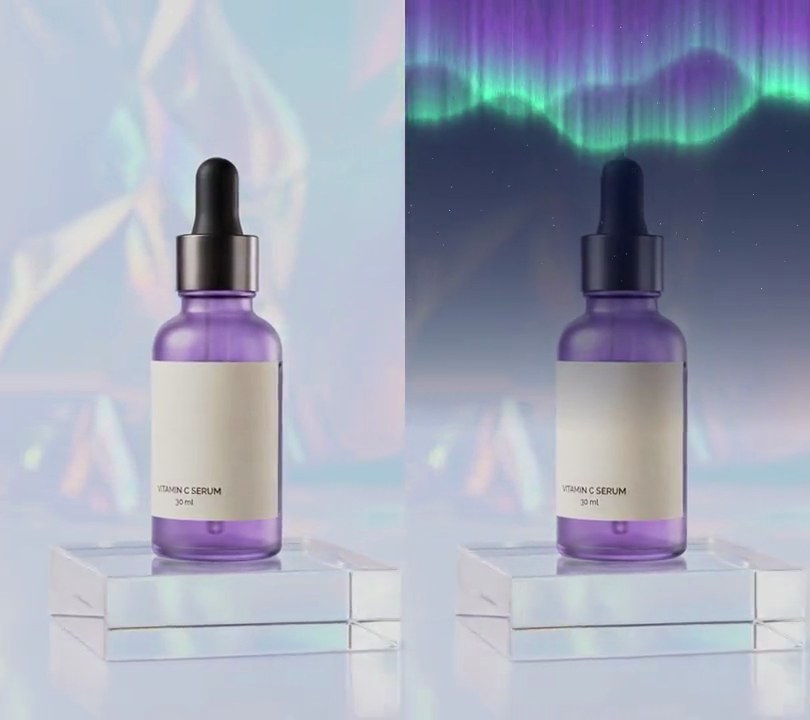
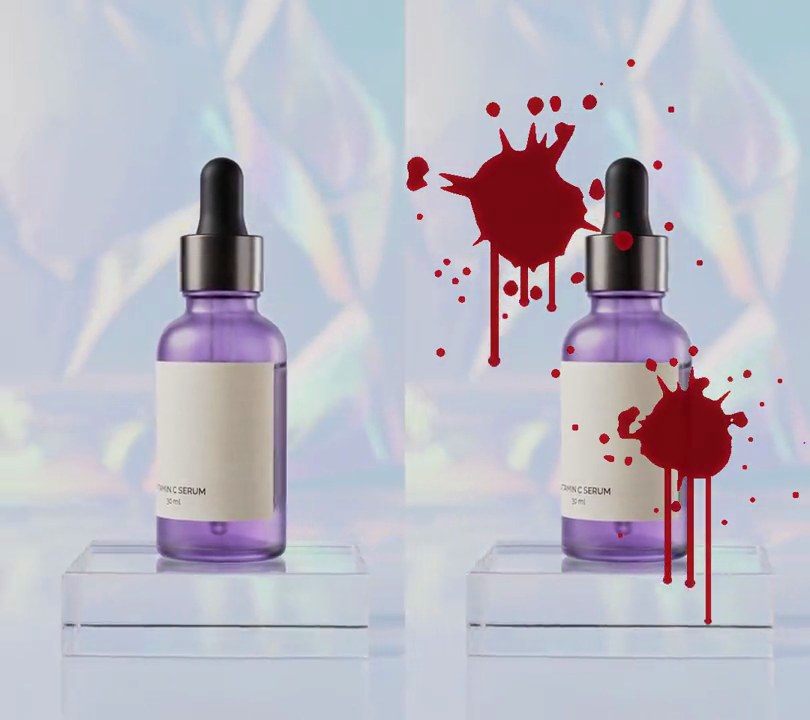
Get this effect
Switch to Code in your Claude Desktop App
Install the skill (once)
Show the prompt
Install the Recharm video effects skill: download https://recharm-growth-staging.s3.us-east-2.amazonaws.com/website/downloads/recharm-video-effects.zip and unzip it into ~/.claude/skillsAsk for the effect
Add a paper texture overlay to input.mp4
Stains, stain color: two rings, (0.80, 0.62, 0.42)

Several videos, several effects, one ask
Put your clips in the folder, mention them with @, and ask for everything at once. Claude runs one tested script after another on each clip, then joins them.
Add a paper texture overlay to @clip1.mp4, put a sale badge on @clip2.mp4, give @clip3.mp4 a VHS look, then join all three with crossfades.
Settings you can change
Ask Claude to change any of these, or edit them at the top of the script.
| Setting | Default | What it does |
|---|---|---|
PAPER | (1.0, 0.94, 0.82) | Paper color, as how much of red, green and blue the picture keeps. (1, 1, 1) is white paper. |
FOLDS | (0.38, 0.64) | Where the fold across (share of the height) and the fold down (share of the width) sit. |
FOLD_DARK | 0.65 | Brightness kept along the bottom of each fold. 1 hides the folds. |
CRUMPLES, CRUMPLE_DEPTH | 70, 0.10 | How many small creases, and how much lighter or darker their facets get. |
FIBER | 0.035 | Strength of the mottled paper fibers. 0 turns them off. |
STAINS, STAIN_COLOR | two rings, (0.80, 0.62, 0.42) | Coffee rings as center x, y and radius (shares of the width), and how much color their edge keeps. An empty list removes them. |
SEED | 4 | Change it for a different sheet. |
Without the skill
Don’t want to install the skill? Paste this prompt into Claude Code and Claude writes the script itself.
Show the prompt
Make input.mp4 look printed on worn paper, from the first frame to the last. Use Python with numpy and Pillow and ffmpeg (read raw frames from ffmpeg, process them in numpy, pipe them back). Build one paper sheet once, as a per-pixel multiplier the same size as the video, and multiply every frame by it, so the texture stays still while the footage moves. The sheet: cream paper, multiplying red, green and blue by 1.0, 0.94 and 0.82. Two folds running edge to edge: one horizontal at 38% down the frame (y = 365 on a 540x960 clip) and one vertical at 64% across (x = 346); along each fold line the brightness drops to 65% in a dark valley about 4 px wide (Gaussian, sigma 2 px), with a lit ridge up to 10% brighter just above or left of it and a soft shadow up to 8% darker just below or right of it. Crumple: 70 short creases at random places and angles, each a tent-shaped ridge that fades out over 15% to 40% of the width; shade it as if lit from the top left so the facets on either side come out up to 10% lighter or darker. Paper fibers: mottled noise of about 3.5% strength (fine, about 3 px blotches plus larger 40 px ones) and 1.5% per-pixel grain. Two coffee rings: one centered at 22% across and 80% down with a radius of 13% of the width, one at 80% across and 14% down with a radius of 9% of the width; each is a slightly wobbly circle with a dark brown edge about 5% of the radius thick, where red, green and blue keep 80%, 62% and 42%, and a paler stained inside about 30% as strong. Nothing else changes: no text (if you ever add any, draw it with Pillow, not ffmpeg's drawtext). Keep the size (540x960), 30fps, the 6 second length and the audio. Encode H.264 yuv420p and save it as output.mp4.Run it without Claude
This is the exact script we tested. Save it as paper-texture-overlay.py and run:
python3 paper-texture-overlay.py input.mp4 output.mp4Show the script
#!/usr/bin/env python3
"""Paper texture overlay: the video looks printed on folded, crumpled cream paper with coffee rings.

Usage: python3 paper-texture-overlay.py input.mp4 output.mp4
Needs ffmpeg, numpy and Pillow (pip install numpy pillow).
"""
import json
import subprocess
import sys

import numpy as np
from PIL import Image

PAPER = (1.0, 0.94, 0.82)           # cream paper: how much of red, green and blue the picture keeps
FOLDS = (0.38, 0.64)                # one fold straight across at 38% down, one straight down at 64% across
FOLD_DARK = 0.65                    # brightness kept along the bottom of each fold line
CRUMPLES = 70                       # small creases scattered over the sheet
CRUMPLE_DEPTH = 0.10                # how much lighter or darker the crushed facets get
FIBER = 0.035                       # strength of the mottled paper fibers (0 turns them off)
STAINS = [(0.22, 0.80, 0.13), (0.80, 0.14, 0.09)]  # coffee rings: center x, y and radius as shares of the width
STAIN_COLOR = (0.80, 0.62, 0.42)    # how much of red, green and blue a stain's dark edge keeps
SEED = 4                            # change for a different sheet


def probe(path):
    info = json.loads(subprocess.check_output(["ffprobe", "-v", "error", "-select_streams", "v:0", "-show_entries",
                                               "stream=width,height,r_frame_rate", "-of", "json", path]))
    s = info["streams"][0]
    return s["width"], s["height"], s["r_frame_rate"]


def smooth_noise(size):
    """Random -1..1-ish values that change over about `size` pixels: tiny noise scaled up smoothly."""
    small = rng.normal(0, 1, (max(h // size, 2), max(w // size, 2))).astype(np.float32)
    return np.asarray(Image.fromarray(small).resize((w, h), Image.BICUBIC))


def paper():
    """The sheet as an h x w x 3 multiplier: 1 keeps the picture, lower darkens and tints it."""
    yy, xx = np.mgrid[0:h, 0:w].astype(np.float32)

    # Crumple: each crease is a short tent-shaped ridge. Lit from the top left, one side of it turns lighter
    # and the other darker, which reads as the facets of crushed paper.
    height = np.zeros((h, w), np.float32)
    for _ in range(CRUMPLES):
        cx, cy, angle = rng.uniform(0, w), rng.uniform(0, h), rng.uniform(0, np.pi)
        reach = rng.uniform(0.15, 0.4) * w
        d = (xx - cx) * np.cos(angle) + (yy - cy) * np.sin(angle)
        height += rng.uniform(-1, 1) * np.abs(d) * np.exp(-((xx - cx) ** 2 + (yy - cy) ** 2) / reach ** 2)
    gy, gx = np.gradient(height)
    slope = -(gx + gy)
    shade = 1 + CRUMPLE_DEPTH * np.tanh(slope / slope.std())

    # Two folds that run edge to edge: a dark valley about 4 px wide, a lit ridge just above or left of it
    # and a soft shadow below or right of it.
    for d in (yy - FOLDS[0] * h, xx - FOLDS[1] * w):
        shade *= 1 - (1 - FOLD_DARK) * np.exp(-(d / 2) ** 2)
        shade *= 1 + 0.10 * np.exp(-((d + 5) / 3) ** 2) - 0.08 * np.exp(-((d - 8) / 10) ** 2)

    fibers = 1 + FIBER * (smooth_noise(3) + 0.5 * smooth_noise(40)) + rng.normal(0, 0.015, (h, w))
    out = (shade * fibers)[..., None] * np.array(PAPER, np.float32)

    for sx, sy, sr in STAINS:
        angle = np.arctan2(yy - sy * h, xx - sx * w)
        edge = 1 + sum(rng.uniform(0, 0.025) * np.sin(k * angle + rng.uniform(0, 6.3)) for k in (2, 3, 5, 7))
        r = np.hypot(xx - sx * w, yy - sy * h) / (sr * w * edge)                 # a wobbly circle, like a cup mark
        ring = np.exp(-((r - 1) / 0.045) ** 2) + 0.3 * np.clip((1 - r) * 4, 0, 1)  # dark dried edge, paler inside
        out *= 1 - np.clip(ring, 0, 1)[..., None] * (1 - np.array(STAIN_COLOR, np.float32))
    return out


src, out = sys.argv[1:3]
w, h, rate = probe(src)
rng = np.random.default_rng(SEED)
sheet = paper()

reader = subprocess.Popen(["ffmpeg", "-v", "error", "-i", src, "-f", "rawvideo", "-pix_fmt", "rgb24", "-"],
                          stdout=subprocess.PIPE)
writer = subprocess.Popen(["ffmpeg", "-y", "-v", "error", "-f", "rawvideo", "-pix_fmt", "rgb24", "-s", f"{w}x{h}",
                           "-r", rate, "-i", "-", "-i", src, "-map", "0:v", "-map", "1:a?",
                           "-c:v", "libx264", "-crf", "16", "-pix_fmt", "yuv420p", "-c:a", "copy", "-shortest", out],
                          stdin=subprocess.PIPE)
while raw := reader.stdout.read(w * h * 3):
    frame = np.frombuffer(raw, np.uint8).reshape(h, w, 3).astype(np.float32)
    writer.stdin.write(np.clip(frame * sheet, 0, 255).astype(np.uint8).tobytes())
writer.stdin.close()
if reader.wait() or writer.wait():
    sys.exit("ffmpeg failed")