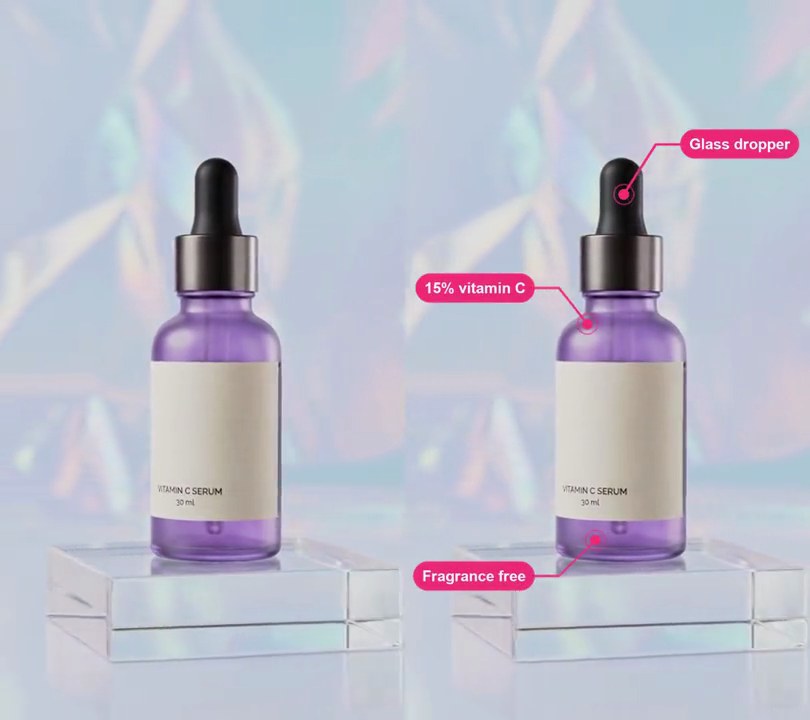
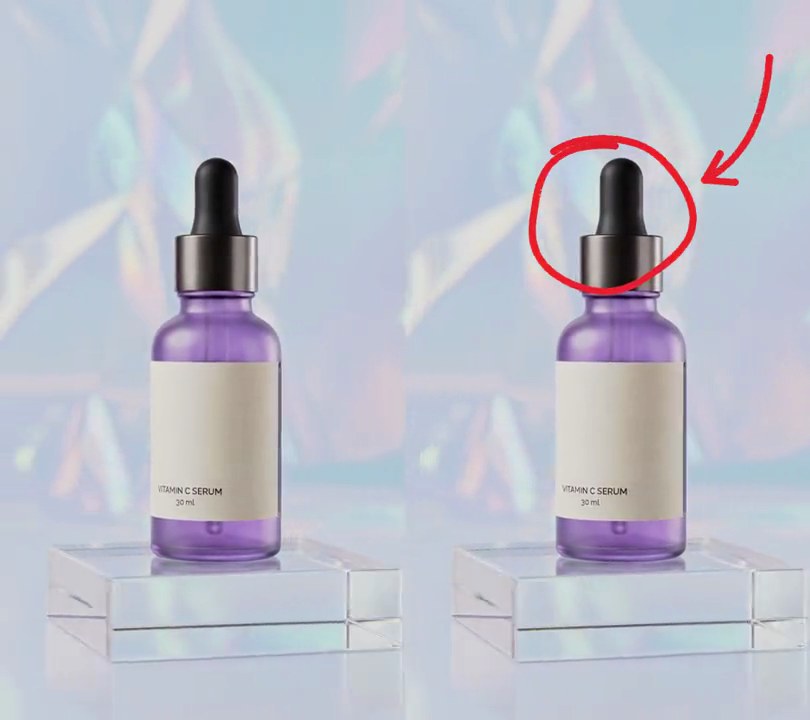
Get this effect
Switch to Code in your Claude Desktop App
Install the skill (once)
Show the prompt
Install the Recharm video effects skill: download https://recharm-growth-staging.s3.us-east-2.amazonaws.com/website/downloads/recharm-video-effects.zip and unzip it into ~/.claude/skillsAsk for the effect
Add a magnifying glass zoom to input.mp4
Second the lens pops in: 0.8
Seconds the lens glides from FROM to TO: 1.2, 2.4

Several videos, several effects, one ask
Put your clips in the folder, mention them with @, and ask for everything at once. Claude runs one tested script after another on each clip, then joins them.
Add a magnifying glass zoom to @clip1.mp4, put a sale badge on @clip2.mp4, give @clip3.mp4 a VHS look, then join all three with crossfades.
Settings you can change
Ask Claude to change any of these, or edit them at the top of the script.
| Setting | Default | What it does |
|---|---|---|
START | 0.8 | Second the lens pops in. |
GLIDE | 1.2, 2.4 | Seconds the lens glides from FROM to TO. |
FROM | 0.62, 0.30 | Where the lens appears, as shares of the frame width and height. |
TO | 0.50, 0.665 | Where it comes to rest; here, on the label. |
RADIUS | 0.22 | Lens radius as a share of the frame width. |
MAG | 2.0 | How much the lens enlarges what's under it. |
RIM | (28, 28, 32) | Rim and handle color. |
Without the skill
Don’t want to install the skill? Paste this prompt into Claude Code and Claude writes the script itself.
Show the prompt
Add a magnifying glass to input.mp4 with Python, numpy, OpenCV and Pillow, using ffmpeg to read and write the frames. Before 0.8 seconds leave the video untouched. At 0.8 seconds a round lens pops in (scaling from 0 to full size over 0.25 seconds with a slight overshoot) centered at 62% across and 30% down. From 1.2 to 2.4 seconds (smoothstep ease) it glides to 50% across and 66.5% down, onto the label, and stays there to the end. The lens radius is 22% of the frame width (119 px on a 540-wide frame); inside it, show the picture enlarged 2x about the lens center (warpAffine with a scale of 2 around that point), refreshed every frame, and leave everything outside the lens and its frame untouched. Draw the frame with Pillow: a dark (28, 28, 32) rim 3% of the frame width thick just outside the lens radius, a thin gray (120, 120, 128) line inside the rim, a handle in the same dark color 30% of the frame width long and 6.6% wide going down and to the right at 45 degrees with a rounded end, a soft blurred shadow offset 8 px down and right, and a short white glint arc on the upper-left of the glass near its edge. There's no text to draw, but if you add any, draw it with Pillow, not ffmpeg's drawtext. Keep the audio and save it as output.mp4 at 30fps.Run it without Claude
This is the exact script we tested. Save it as magnifying-glass-zoom.py and run:
python3 magnifying-glass-zoom.py input.mp4 output.mp4Show the script
#!/usr/bin/env python3
"""Magnifying glass zoom: a round lens on a handle pops in over the bottle, glides down onto the label and shows it at 2x.

Usage: python3 magnifying-glass-zoom.py input.mp4 output.mp4
Needs ffmpeg, OpenCV, Pillow and numpy (pip install opencv-python-headless pillow numpy).
"""
import json
import subprocess
import sys

import cv2
import numpy as np
from PIL import Image, ImageDraw, ImageFilter

START = 0.8               # second the lens pops in
POP = 0.25                # seconds the pop takes
GLIDE = 1.2, 2.4          # seconds the lens glides from FROM to TO
FROM = 0.62, 0.30         # where the lens appears (0-1 across and down the frame)
TO = 0.50, 0.665          # where it comes to rest, here on the label
RADIUS = 0.22             # lens radius as a share of the frame width
MAG = 2.0                 # how much the lens enlarges what's under it
RIM = (28, 28, 32)        # rim and handle color
RIM_WIDTH = 0.03          # rim thickness as a share of the frame width


def ease(p):
    p = min(max(p, 0.0), 1.0)
    return p * p * (3 - 2 * p)


def ease_out_back(p):
    """0 -> 1 with a small overshoot past 1 before settling, which reads as a 'pop'."""
    p = min(max(p, 0.0), 1.0)
    return 1 + 2.70158 * (p - 1) ** 3 + 1.70158 * (p - 1) ** 2


def glass():
    """The lens frame as an RGBA sprite with the lens center at (PAD, PAD): a soft shadow, the dark rim,
    a handle reaching down and right, and a white glint on the glass."""
    s = 4                                                  # draw 4x larger, then shrink, for smooth edges
    big = Image.new("RGBA", (SIZE * s, SIZE * s))
    d = ImageDraw.Draw(big)
    c, r, rw = PAD * s, R * s, round(RIM_WIDTH * w * s)
    hx, hy = c + (r + rw * 0.3) * 0.7071, c + (r + rw * 0.3) * 0.7071
    handle = [(hx, hy), (hx + HANDLE * s * 0.7071, hy + HANDLE * s * 0.7071)]
    shadow = Image.new("RGBA", big.size)
    sd = ImageDraw.Draw(shadow)
    off = 8 * s
    sd.ellipse([c - r - rw + off, c - r - rw + off, c + r + rw + off, c + r + rw + off], outline=(0, 0, 0, 90), width=rw * 2)
    sd.line([(x + off, y + off) for x, y in handle], fill=(0, 0, 0, 90), width=round(rw * 2.2))
    big.alpha_composite(shadow.filter(ImageFilter.GaussianBlur(6 * s)))
    d.line(handle, fill=RIM, width=round(rw * 2.2))
    d.ellipse([handle[1][0] - rw * 1.1, handle[1][1] - rw * 1.1, handle[1][0] + rw * 1.1, handle[1][1] + rw * 1.1], fill=RIM)
    d.ellipse([c - r - rw, c - r - rw, c + r + rw, c + r + rw], outline=RIM, width=rw)
    d.ellipse([c - r - rw * 0.55, c - r - rw * 0.55, c + r + rw * 0.55, c + r + rw * 0.55], outline=(120, 120, 128), width=max(s, rw // 6))
    g = r * 0.86
    d.arc([c - g, c - g, c + g, c + g], 200, 245, fill=(255, 255, 255, 170), width=round(r * 0.05))
    sprite = big.resize((SIZE, SIZE), Image.LANCZOS)
    return np.asarray(sprite, np.float32) / 255


def magnify(img, cx, cy, scale):
    """img with a lens of RADIUS*scale at (cx, cy) showing what's under it MAG times larger."""
    r = R * scale
    zoom = cv2.warpAffine(img, np.float32([[MAG, 0, cx * (1 - MAG)], [0, MAG, cy * (1 - MAG)]]), (w, h),
                          flags=cv2.INTER_CUBIC, borderMode=cv2.BORDER_REFLECT)
    inside = np.clip(r - np.hypot(xs - cx, ys - cy) + 0.5, 0, 1)[..., None]
    out = img * (1 - inside) + zoom * inside
    frame_art = sprite if scale == 1 else cv2.resize(sprite, None, fx=scale, fy=scale, interpolation=cv2.INTER_AREA)
    x0, y0 = round(cx - PAD * scale), round(cy - PAD * scale)
    fh, fw = frame_art.shape[:2]
    ox0, oy0, ox1, oy1 = max(x0, 0), max(y0, 0), min(x0 + fw, w), min(y0 + fh, h)
    art = frame_art[oy0 - y0:oy1 - y0, ox0 - x0:ox1 - x0]
    region = out[oy0:oy1, ox0:ox1]
    a = art[..., 3:]
    out[oy0:oy1, ox0:ox1] = region * (1 - a) + art[..., :3] * 255 * a
    return out


src, out = sys.argv[1:3]
info = json.loads(subprocess.check_output(["ffprobe", "-v", "error", "-select_streams", "v:0", "-show_entries",
                                           "stream=width,height", "-of", "json", src]))
w, h = info["streams"][0]["width"], info["streams"][0]["height"]
R = RADIUS * w
HANDLE = 0.30 * w                                          # handle length
PAD = round(R + RIM_WIDTH * w + 0.05 * w)                  # room round the lens for the rim and shadow
SIZE = round(PAD + (R + RIM_WIDTH * w + HANDLE) * 0.7071 + 0.12 * w)
sprite = glass()
ys, xs = np.mgrid[0:h, 0:w].astype(np.float32)

reader = subprocess.Popen(["ffmpeg", "-v", "error", "-i", src, "-vf", "fps=30", "-f", "rawvideo", "-pix_fmt", "rgb24", "-"],
                          stdout=subprocess.PIPE)
writer = subprocess.Popen(["ffmpeg", "-y", "-v", "error", "-f", "rawvideo", "-pix_fmt", "rgb24", "-s", f"{w}x{h}",
                           "-r", "30", "-i", "-", "-i", src, "-map", "0:v", "-map", "1:a?", "-c:v", "libx264", "-crf", "18",
                           "-pix_fmt", "yuv420p", "-c:a", "copy", "-shortest", out], stdin=subprocess.PIPE)
i = 0
while True:
    raw = reader.stdout.read(w * h * 3)
    if len(raw) < w * h * 3:
        break
    img = np.frombuffer(raw, np.uint8).reshape(h, w, 3)
    t = i / 30
    scale = ease_out_back((t - START) / POP) if t >= START else 0
    if scale > 0.02:
        p = ease((t - GLIDE[0]) / (GLIDE[1] - GLIDE[0]))
        cx = w * (FROM[0] + (TO[0] - FROM[0]) * p)
        cy = h * (FROM[1] + (TO[1] - FROM[1]) * p)
        img = magnify(img.astype(np.float32), cx, cy, scale).round().clip(0, 255).astype(np.uint8)
    writer.stdin.write(img.tobytes())
    i += 1
writer.stdin.close()
if reader.wait() or writer.wait():
    sys.exit("ffmpeg failed")