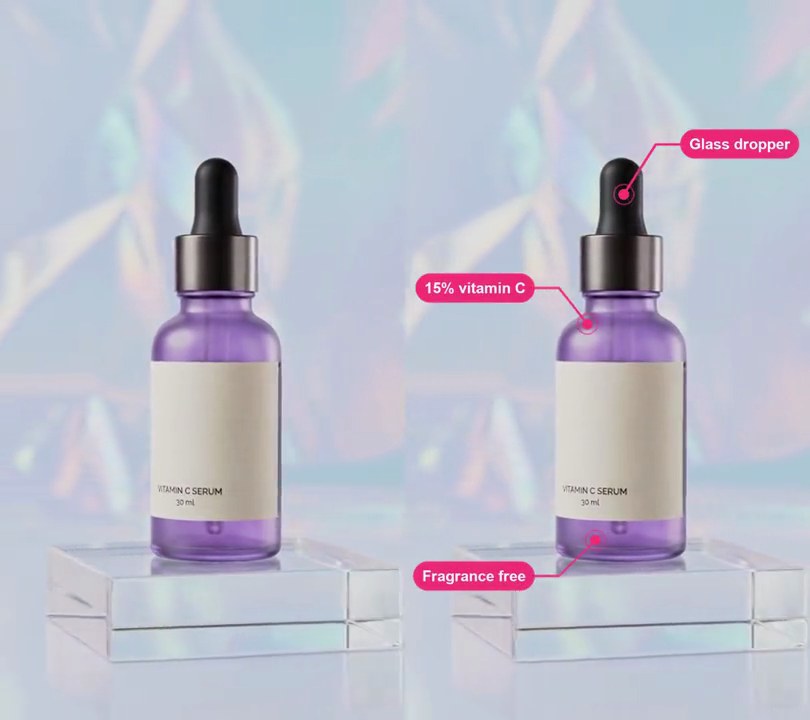
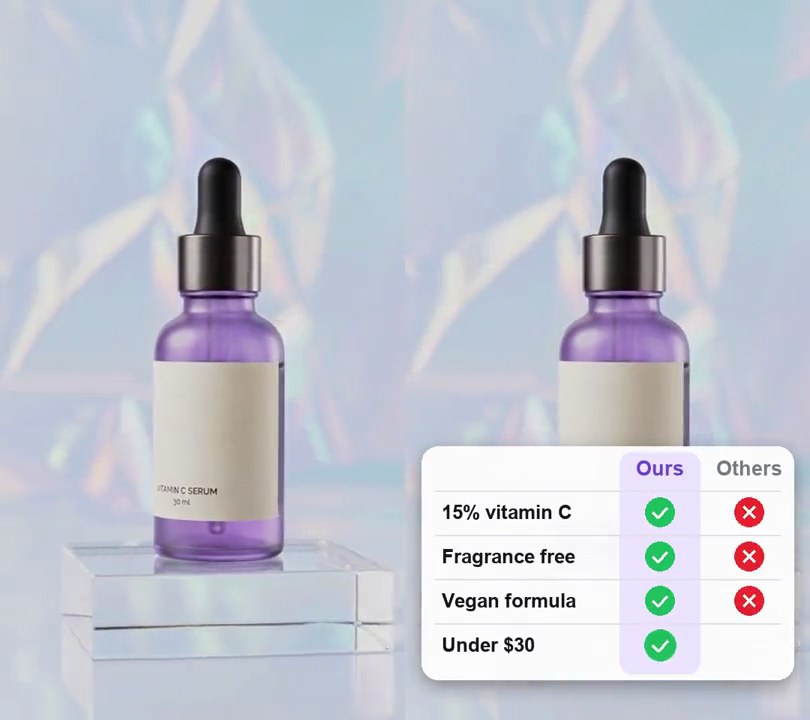
Get this effect
Switch to Code in your Claude Desktop App
Install the skill (once)
Show the prompt
Install the Recharm video effects skill: download https://recharm-growth-staging.s3.us-east-2.amazonaws.com/website/downloads/recharm-video-effects.zip and unzip it into ~/.claude/skillsAsk for the effect
Add callout arrows and circles to input.mp4
Second the circle starts drawing: 0.6
Seconds the circle takes to draw: 0.7

Several videos, several effects, one ask
Put your clips in the folder, mention them with @, and ask for everything at once. Claude runs one tested script after another on each clip, then joins them.
Add callout arrows and circles to @clip1.mp4, put a sale badge on @clip2.mp4, give @clip3.mp4 a VHS look, then join all three with crossfades.
Settings you can change
Ask Claude to change any of these, or edit them at the top of the script.
| Setting | Default | What it does |
|---|---|---|
CIRCLE_AT | 0.6 | Second the circle starts drawing. |
CIRCLE_DRAW | 0.7 | Seconds the circle takes to draw. |
ARROW_AT | 1.4 | Second the arrow starts drawing. |
ARROW_DRAW | 0.5 | Seconds the arrow takes, head included. |
CENTER, RADII | (0.5, 0.30), (0.20, 0.105) | Where the circle sits and how big it is, as shares of the frame. |
ARROW_FROM, ARROW_TO | (0.90, 0.08), (0.74, 0.25) | The arrow's tail and tip. |
COLOR | (230, 30, 45) | Marker color. |
THICKNESS | 0.018 | Stroke width as a share of the frame width. |
Without the skill
Don’t want to install the skill? Paste this prompt into Claude Code and Claude writes the script itself.
Show the prompt
Add a hand-drawn callout to input.mp4 that points at the bottle's dropper cap. Draw everything in red (230, 30, 45) marker strokes 1.8% of the frame width thick with round ends, as if written on. First, from 0.6 to 1.3 seconds, a loose circle draws itself around the dropper: an ellipse centered 50% across and 30% down, 20% of the frame width wide as its horizontal radius and 10.5% of the frame height as its vertical radius, tilted 8 degrees counterclockwise, starting at the upper left and going round 1.12 turns while spiralling in from 104% to 94% of its radius (with a slight wobble) so the ends overlap like a pen scribble. Then, from 1.4 to 1.75 seconds, a curved arrow shaft draws from 90% across and 8% down, bowing down and out, to its tip at 74% across and 25% down, just outside the circle's right side; from 1.75 to 1.9 seconds the two strokes of its arrowhead draw in, each 7.5% of the frame width long and 32 degrees either side of the shaft's direction. Ease each stroke in and out, keep everything on screen to the end, and leave the rest of the frame untouched. Use Python with Pillow to draw it (no text, and don't rely on ffmpeg's drawtext filter) and ffmpeg to put it on the video, keep the audio, and save it as output.mp4.Run it without Claude
This is the exact script we tested. Save it as callout-arrows-and-circles.py and run:
python3 callout-arrows-and-circles.py input.mp4 output.mp4Show the script
#!/usr/bin/env python3
"""Callout arrows and circles: a red marker circle scribbles round one detail, then a curved arrow draws in pointing at it.

Usage: python3 callout-arrows-and-circles.py input.mp4 output.mp4
Needs ffmpeg and Pillow (pip install pillow).
"""
import json
import math
import subprocess
import sys

from PIL import Image, ImageDraw

CIRCLE_AT = 0.6              # second the circle starts drawing
CIRCLE_DRAW = 0.7            # seconds the circle takes to draw
ARROW_AT = 1.4               # second the arrow starts drawing
ARROW_DRAW = 0.5             # seconds the arrow takes, head included
CENTER = (0.5, 0.30)         # circle center (0-1 across and down the frame)
RADII = (0.20, 0.105)        # circle radii: across as a share of the width, down as a share of the height
ARROW_FROM = (0.90, 0.08)    # where the arrow's tail starts
ARROW_TO = (0.74, 0.25)      # where its tip lands
COLOR = (230, 30, 45)        # marker color
THICKNESS = 0.018            # stroke width as a share of the frame width
SS = 2                       # draw at twice the size and shrink, for smooth edges


def ease_in_out(p):
    p = min(max(p, 0), 1)
    return p * p * (3 - 2 * p)


def circle_path():
    """A loose hand-drawn loop: 1.12 turns, slightly tilted, wobbling and spiralling in so the ends overlap."""
    cx, cy = CENTER[0] * w, CENTER[1] * h
    rx, ry = RADII[0] * w, RADII[1] * h
    tilt = math.radians(-8)
    points = []
    for i in range(201):
        p = i / 200
        a = math.radians(-120) + p * 2 * math.pi * 1.12
        wobble = (1 + 0.035 * math.sin(3 * a + 1) + 0.02 * math.sin(5 * a)) * (1.04 - 0.1 * p)
        x, y = rx * wobble * math.cos(a), ry * wobble * math.sin(a)
        points.append((cx + x * math.cos(tilt) - y * math.sin(tilt), cy + x * math.sin(tilt) + y * math.cos(tilt)))
    return points


def arrow_paths():
    """A shaft bowing outward from the tail to the tip, and the two strokes of its head."""
    (x0, y0), (x1, y1) = (ARROW_FROM[0] * w, ARROW_FROM[1] * h), (ARROW_TO[0] * w, ARROW_TO[1] * h)
    bx, by = x0 + (x1 - x0) * 0.1, y0 + (y1 - y0) * 0.75  # control point: the shaft sags down, then comes in
    shaft = [((1 - p) ** 2 * x0 + 2 * (1 - p) * p * bx + p * p * x1,
              (1 - p) ** 2 * y0 + 2 * (1 - p) * p * by + p * p * y1) for p in (i / 60 for i in range(61))]
    heading = math.atan2(y1 - by, x1 - bx)
    size = w * 0.075
    head = [[(x1 - size * math.cos(heading + s * math.radians(32)), y1 - size * math.sin(heading + s * math.radians(32))),
             (x1, y1)] for s in (-1, 1)]
    return shaft, head


def stroke(draw, points, p):
    """Draw the first share p of a path with round ends, like a marker pen."""
    if p <= 0:
        return
    xy = [(x * SS, y * SS) for x, y in points[:max(2, round(len(points) * p))]]
    width = round(w * THICKNESS * SS)
    draw.line(xy, fill=COLOR, width=width, joint="curve")
    for x, y in (xy[0], xy[-1]):
        draw.ellipse([x - width / 2, y - width / 2, x + width / 2, y + width / 2], fill=COLOR)


def overlay(t):
    if t < CIRCLE_AT:
        return Image.new("RGBA", (w, h))
    img = Image.new("RGBA", (w * SS, h * SS))
    draw = ImageDraw.Draw(img)
    stroke(draw, circle, ease_in_out((t - CIRCLE_AT) / CIRCLE_DRAW))
    p = (t - ARROW_AT) / ARROW_DRAW  # the shaft takes the first 70%, the head the rest
    stroke(draw, shaft, ease_in_out(p / 0.7))
    for line in head:
        stroke(draw, line, ease_in_out((p - 0.7) / 0.3))
    return img.resize((w, h), Image.LANCZOS)


def probe(path):
    info = json.loads(subprocess.check_output(["ffprobe", "-v", "error", "-select_streams", "v:0", "-show_entries",
                                               "stream=width,height,r_frame_rate:format=duration", "-of", "json", path]))
    s = info["streams"][0]
    num, den = s["r_frame_rate"].split("/")
    return s["width"], s["height"], s["r_frame_rate"], float(num) / float(den), float(info["format"]["duration"])


def render(src, out):
    """Draw overlay(t) on every frame of src and save to out, keeping the audio."""
    ff = subprocess.Popen(["ffmpeg", "-y", "-v", "error", "-i", src,
                           "-f", "rawvideo", "-pix_fmt", "rgba", "-s", f"{w}x{h}", "-r", rate, "-i", "-",
                           "-filter_complex", "[0:v][1:v]overlay=shortest=1,format=yuv420p[v]",
                           "-map", "[v]", "-map", "0:a?", "-c:v", "libx264", "-crf", "18", "-c:a", "copy", out],
                          stdin=subprocess.PIPE)
    for i in range(math.ceil(duration * fps)):
        ff.stdin.write(overlay(i / fps).tobytes())
    ff.stdin.close()
    if ff.wait():
        sys.exit("ffmpeg failed")


src, out = sys.argv[1:3]
w, h, rate, fps, duration = probe(src)
circle = circle_path()
shaft, head = arrow_paths()
render(src, out)