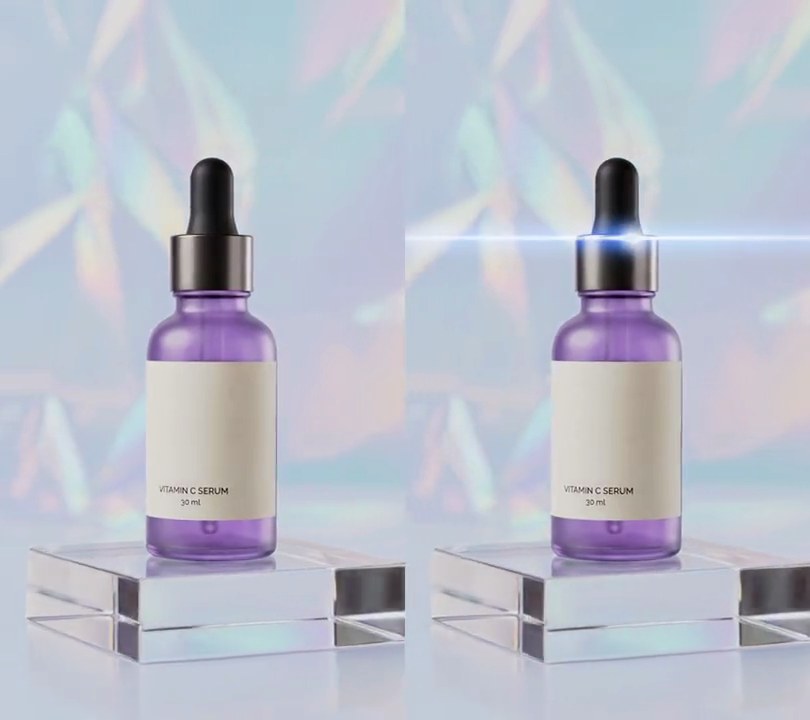
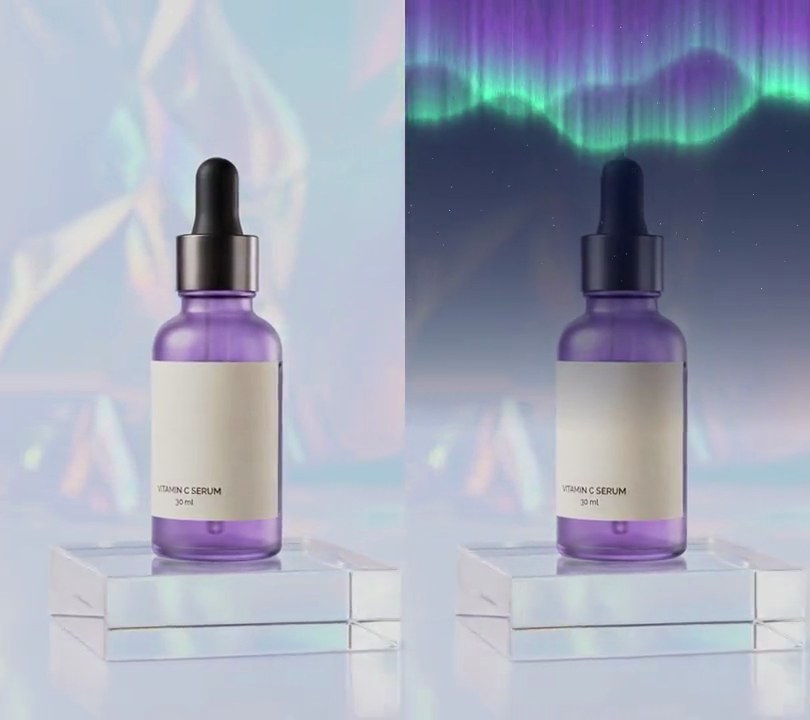
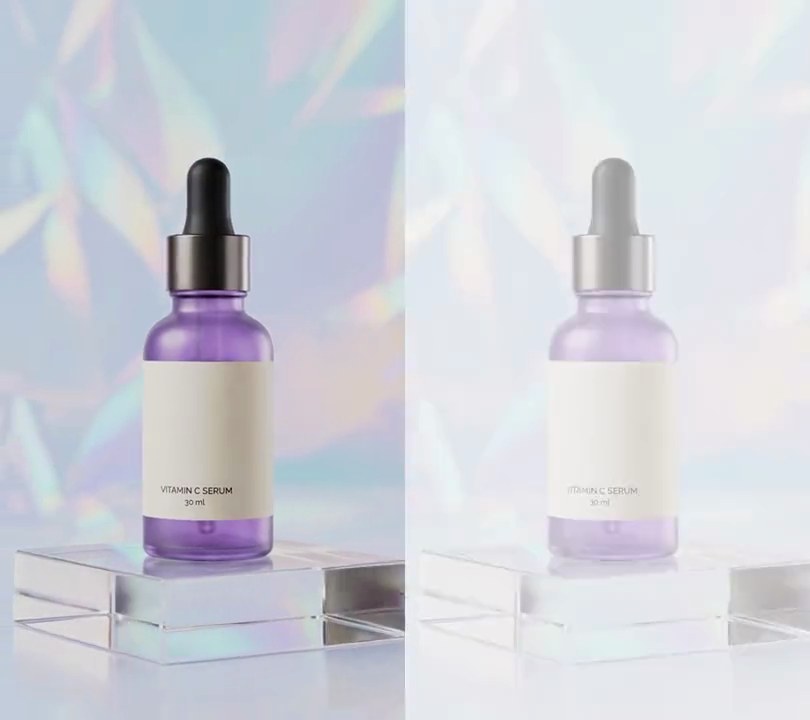
Get this effect
Switch to Code in your Claude Desktop App
Install the skill (once)
Show the prompt
Install the Recharm video effects skill: download https://recharm-growth-staging.s3.us-east-2.amazonaws.com/website/downloads/recharm-video-effects.zip and unzip it into ~/.claude/skillsAsk for the effect
Add a hologram to input.mp4
Second the scan line starts down the frame: 0.5
Seconds the scan line takes to reach the bottom: 0.6

Several videos, several effects, one ask
Put your clips in the folder, mention them with @, and ask for everything at once. Claude runs one tested script after another on each clip, then joins them.
Add a hologram to @clip1.mp4, put a sale badge on @clip2.mp4, give @clip3.mp4 a VHS look, then join all three with crossfades.
Settings you can change
Ask Claude to change any of these, or edit them at the top of the script.
| Setting | Default | What it does |
|---|---|---|
START | 0.5 | Second the scan line starts down the frame. |
SWEEP | 0.6 | Seconds the scan line takes to reach the bottom. |
COLOR | (60, 210, 255) | Hologram and scan line color. |
ROOM | (0.07, 0.15, 0.32) | Red, green and blue multipliers that dim the background into a dark blue room. |
OPACITY | 0.75 | How solid the hologram is; 1 hides the room behind it. |
LINE_GAP | 4 | Pixels from one scanline to the next. |
FLICKER | 0.1 | Chance on each frame of a sharp dip in brightness. |
Without the skill
Don’t want to install the skill? Paste this prompt into Claude Code and Claude writes the script itself.
Show the prompt
Turn the product in input.mp4 into a hologram with Python (numpy, OpenCV, Pillow, rembg) and ffmpeg. Before 0.5 seconds the video is untouched. Cut the product out with rembg (session "u2net", using session.predict's soft matte, 0-1) on every 2nd frame and reuse each matte for the next frame. For the hologram frame: multiply the whole picture (0-1 values) by (0.07, 0.15, 0.32) per red, green, blue channel so the backdrop becomes a dark blue room around rgb(11, 30, 68). Take the frame's luminance L (0.299, 0.587, 0.114) and its edges E = absolute Laplacian of L after a 3x3 Gaussian blur, and shade = clip(0.35 + 0.75*L + 3*E, 0, 1.2). Scanlines: rows where (y + 30*t) mod 4 < 2 keep full brightness and the others drop to 0.45, so they crawl up 30 pixels a second. A bright band multiplies brightness by 1 + 0.6*exp(-((y - c)/(0.04*height))^2), its center c moving from -15% to 115% of the height every 1.5 seconds. The hologram color is cyan (60, 210, 255) times shade times scanlines times band. Flicker: seed a random generator with the frame number; with 10% chance the hologram drops to 0.45 opacity for that frame, otherwise it's 1 minus up to 12%. Alpha = matte * 0.75 * flicker; mix room*(1-alpha) + hologram*alpha, then add 0.8 times a Gaussian blur (sigma 12) of hologram*alpha as glow. Transition: from 0.5s to 1.1s a horizontal edge moves at a steady speed from the top of the frame to the bottom; above it show the hologram frame, below it the original, with a 6-pixel soft blend and a cyan (60, 210, 255) glowing line on the edge (added, falling off as exp(-(d/5)^2) with d the distance in pixels). After that the whole frame is the hologram to the end. Keep the 540x960 size, 30fps, 6-second length and the audio, and save it as output.mp4.Run it without Claude
This is the exact script we tested. Save it as hologram.py and run:
python3 hologram.py input.mp4 output.mp4Show the script
#!/usr/bin/env python3
"""Hologram: a scan line sweeps down the frame and turns the product into a see-through cyan hologram with flickering scanlines over a dark blue room.

Usage: python3 hologram.py input.mp4 output.mp4
Needs ffmpeg, numpy, OpenCV, Pillow and rembg to cut the product out of every other frame
(pip install pillow numpy opencv-python-headless "rembg[cpu]"; rembg downloads its u2net model on first use).
"""
import json
import subprocess
import sys

import cv2
import numpy as np
from PIL import Image
from rembg import new_session

START = 0.5                     # second the scan line starts down the frame
SWEEP = 0.6                     # seconds the scan line takes to reach the bottom
COLOR = (60, 210, 255)          # hologram cyan
ROOM = (0.07, 0.15, 0.32)       # the background is multiplied by this (red, green, blue): a dark blue room
OPACITY = 0.75                  # how solid the hologram is (1 hides the room behind it)
LINE_GAP = 4                    # pixels from one scanline to the next
SCROLL = 30                     # pixels a second the scanlines crawl up
BAND = 1.5                      # seconds between bright bands rolling down the hologram
FLICKER = 0.1                   # chance on each frame of a sharp dip in brightness
MASK_EVERY = 2                  # cut the product out on every 2nd frame and reuse it for the next


def hologram(rgb, subject, i):
    """The frame as a dark blue room with a cyan, scanlined, flickering see-through copy of the subject."""
    t = i / fps
    img = rgb.astype(np.float32) / 255
    room = img * np.array(ROOM, np.float32)
    lum = img @ np.array([0.299, 0.587, 0.114], np.float32)
    edges = cv2.Laplacian(cv2.GaussianBlur(lum, (3, 3), 0), cv2.CV_32F)
    shade = np.clip(0.35 + 0.75 * lum + 3 * np.abs(edges), 0, 1.2)
    rows = np.arange(h, dtype=np.float32)[:, None]
    lines = np.where((rows + t * SCROLL) % LINE_GAP < LINE_GAP / 2, 1.0, 0.45)
    band = 1 + 0.6 * np.exp(-((rows - ((t % BAND) / BAND * 1.3 - 0.15) * h) / (0.04 * h)) ** 2)
    rng = np.random.default_rng(i)
    flicker = 0.45 if rng.random() < FLICKER else 1 - 0.12 * rng.random()
    holo = np.array(COLOR, np.float32) / 255 * (shade * lines * band)[:, :, None]
    alpha = (subject * OPACITY * flicker)[:, :, None]
    glow = cv2.GaussianBlur(holo * alpha, (0, 0), 12)
    out = room * (1 - alpha) + holo * alpha + 0.8 * glow
    return np.clip(out * 255, 0, 255)


def cut_out(rgb, i):
    """The product's matte (0-1) from rembg, worked out on every MASK_EVERY-th frame and reused in between."""
    if i % MASK_EVERY == 0 or not matte:
        matte[:] = [np.asarray(session.predict(Image.fromarray(rgb))[0], np.float32) / 255]
    return matte[0]


def composite(rgb, i):
    """Untouched before START, then the hologram above a cyan scan line moving down, and all of it after."""
    t = i / fps
    if t < START:
        return rgb
    holo = hologram(rgb, cut_out(rgb, i), i)
    edge = (t - START) / SWEEP * h
    if edge >= h + 20:
        return holo.astype(np.uint8)
    rows = np.arange(h, dtype=np.float32)[:, None, None]
    mix = np.clip((edge - rows) / 6, 0, 1)
    line = np.exp(-((rows - edge) / 5) ** 2) * np.array(COLOR, np.float32)
    return np.clip(holo * mix + rgb * (1 - mix) + line, 0, 255).astype(np.uint8)


def probe(path):
    info = json.loads(subprocess.check_output(["ffprobe", "-v", "error", "-select_streams", "v:0", "-show_entries",
                                               "stream=width,height,r_frame_rate", "-of", "json", path]))
    s = info["streams"][0]
    num, den = s["r_frame_rate"].split("/")
    return s["width"], s["height"], s["r_frame_rate"], float(num) / float(den)


def render(src, out):
    """Read src frame by frame, composite each one and save to out, keeping the audio."""
    reader = subprocess.Popen(["ffmpeg", "-v", "error", "-i", src, "-f", "rawvideo", "-pix_fmt", "rgb24", "-"],
                              stdout=subprocess.PIPE)
    writer = subprocess.Popen(["ffmpeg", "-y", "-v", "error",
                               "-f", "rawvideo", "-pix_fmt", "rgb24", "-s", f"{w}x{h}", "-r", rate, "-i", "-",
                               "-i", src, "-map", "0:v", "-map", "1:a?", "-c:v", "libx264", "-crf", "18",
                               "-pix_fmt", "yuv420p", "-c:a", "copy", "-shortest", out], stdin=subprocess.PIPE)
    i = 0
    while raw := reader.stdout.read(w * h * 3):
        rgb = np.frombuffer(raw, np.uint8).reshape(h, w, 3)
        writer.stdin.write(composite(rgb, i).tobytes())
        i += 1
    writer.stdin.close()
    if reader.wait() or writer.wait():
        sys.exit("ffmpeg failed")


src, out = sys.argv[1:3]
w, h, rate, fps = probe(src)
session = new_session("u2net")
matte = []
render(src, out)