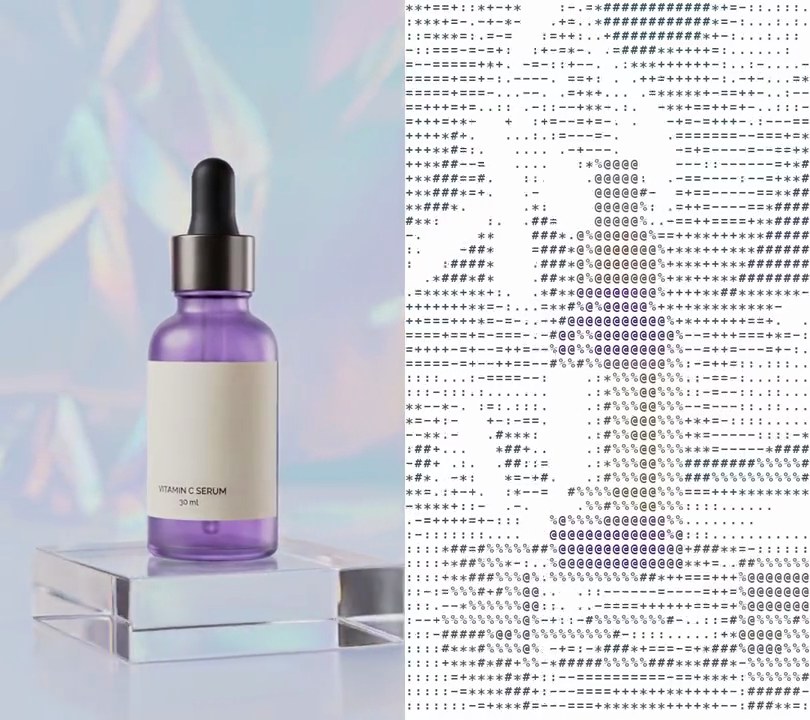
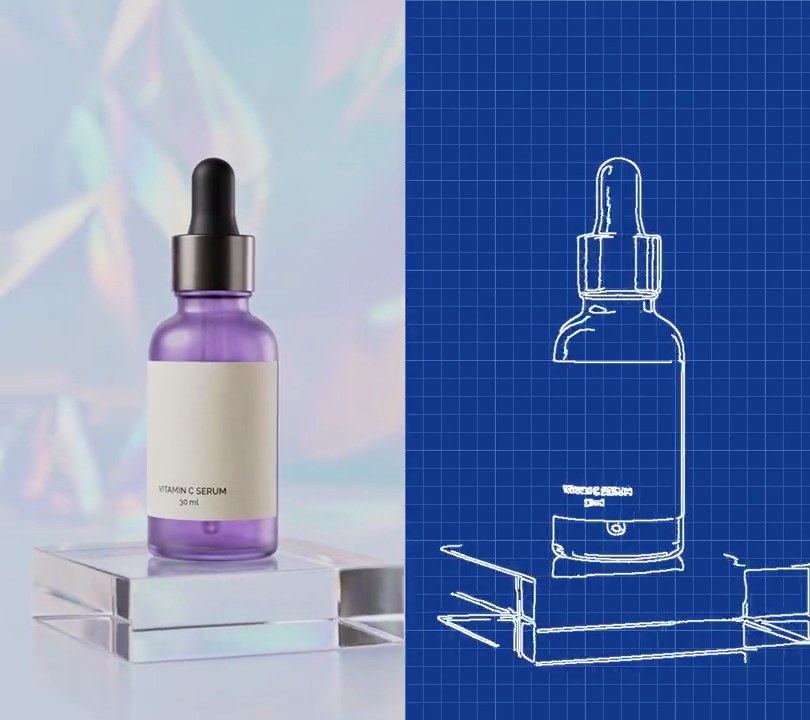
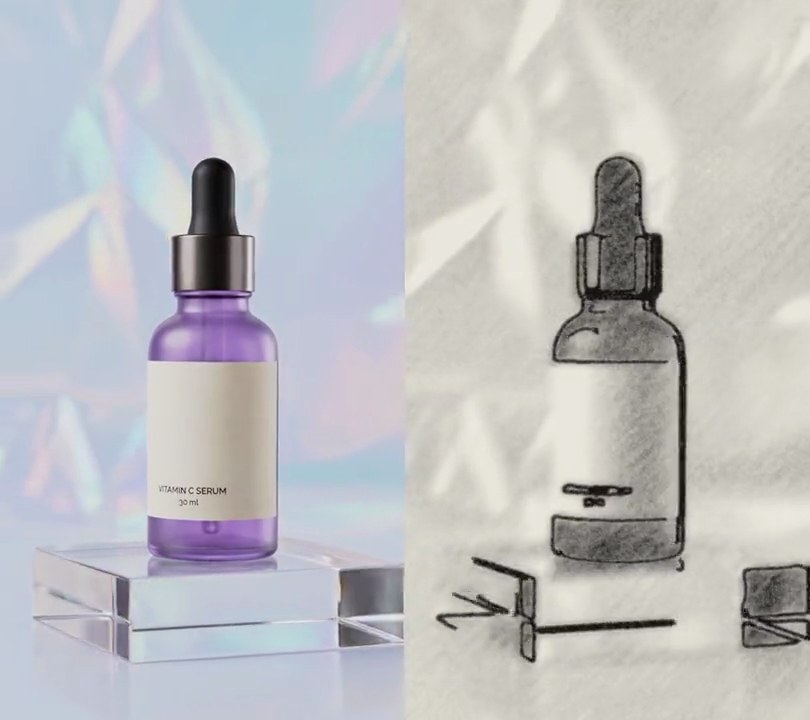
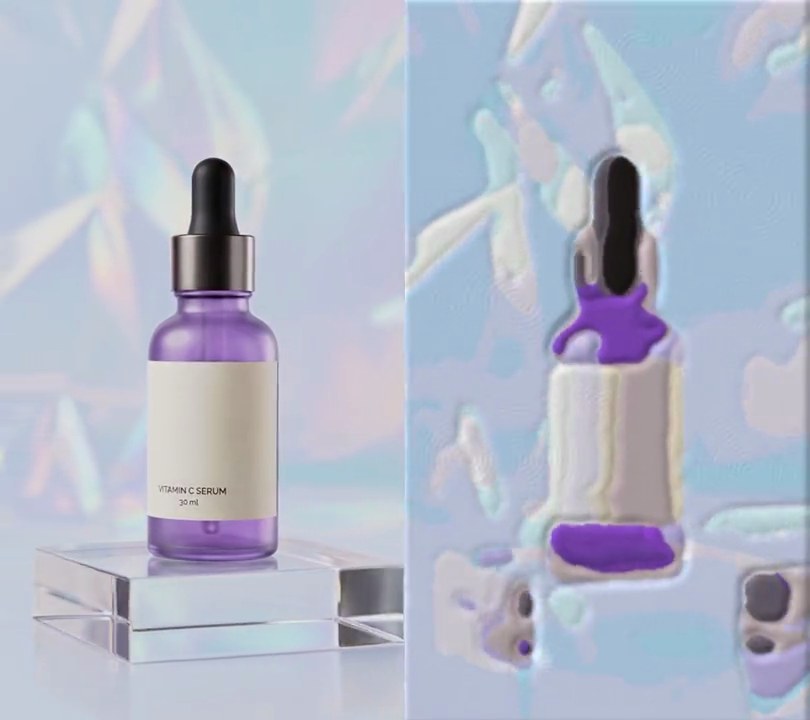
Get this effect
Switch to Code in your Claude Desktop App
Install the skill (once)
Show the prompt
Install the Recharm video effects skill: download https://recharm-growth-staging.s3.us-east-2.amazonaws.com/website/downloads/recharm-video-effects.zip and unzip it into ~/.claude/skillsAsk for the effect
Add a dithering to input.mp4
Size of each dot in pixels: 3
Input brightness that becomes solid black: 90

Several videos, several effects, one ask
Put your clips in the folder, mention them with @, and ask for everything at once. Claude runs one tested script after another on each clip, then joins them.
Add a dithering to @clip1.mp4, put a sale badge on @clip2.mp4, give @clip3.mp4 a VHS look, then join all three with crossfades.
Settings you can change
Ask Claude to change any of these, or edit them at the top of the script.
| Setting | Default | What it does |
|---|---|---|
DOT | 3 | Size of each dot in pixels. 1 is finest, 4 or more looks more retro. |
BLACK | 90 | Input brightness that becomes solid black. Raise it for darker, denser dots. |
WHITE | 225 | Input brightness that becomes solid white. Lower it to clear dots out of the highlights. |
INK | 0 | Value of the dark dots (0 is black). |
PAPER | 255 | Value of the light dots (255 is white). |
Without the skill
Don’t want to install the skill? Paste this prompt into Claude Code and Claude writes the script itself.
Show the prompt
Give input.mp4 a 1-bit ordered dithering look for its whole length. Work in grayscale at one third of the size (180x320 for a 540x960 clip, area downscale). Stretch brightness 90 to 225 to a 0-1 tone (clip anything outside), then compare each pixel's tone with an 8x8 Bayer threshold matrix tiled over the frame (thresholds (i + 0.5) / 64): above the threshold becomes pure white (255), otherwise pure black (0). Scale back up to full size with nearest neighbor so each dot is a crisp 3x3 pixel square. No grays or colors should be left in the picture. Use Python with numpy and ffmpeg, keep the size, 30fps and the audio, and save it as output.mp4.Run it without Claude
This is the exact script we tested. Save it as dithering.py and run:
python3 dithering.py input.mp4 output.mp4Show the script
#!/usr/bin/env python3
"""Dithering: redraw the shot in pure black and white, building every gray out of a fixed grid of dots.

Usage: python3 dithering.py input.mp4 output.mp4
Needs ffmpeg and numpy (pip install numpy).
"""
import subprocess
import sys

import numpy as np

DOT = 3        # size of each dot in pixels (1 is finest, 4 looks more retro)
BLACK = 90     # input brightness that becomes solid black
WHITE = 225    # input brightness that becomes solid white
INK = 0        # dark dot value (0 = black)
PAPER = 255    # light dot value (255 = white)

# 8x8 Bayer matrix: thresholds spread evenly over 0-1, so a tone of 30% turns on 30% of each tile's dots
BAYER = np.array([[0]], np.float32)
for _ in range(3):
    BAYER = np.block([[4 * BAYER, 4 * BAYER + 2], [4 * BAYER + 3, 4 * BAYER + 1]])
BAYER = (BAYER + 0.5) / BAYER.size

src, out = sys.argv[1], sys.argv[2]
w, h = map(int, subprocess.check_output(["ffprobe", "-v", "error", "-select_streams", "v:0", "-show_entries",
                                         "stream=width,height", "-of", "csv=s=x:p=0", src]).decode().strip().split("x"))
sw, sh = w // DOT, h // DOT  # one dot per DOT x DOT block

# read the clip as grayscale at dot resolution, write it back at full size with the original audio
reader = subprocess.Popen(["ffmpeg", "-v", "error", "-i", src, "-vf", f"scale={sw}:{sh}:flags=area,format=gray",
                           "-r", "30", "-f", "rawvideo", "-"], stdout=subprocess.PIPE)
writer = subprocess.Popen(["ffmpeg", "-v", "error", "-y", "-f", "rawvideo", "-pix_fmt", "gray", "-s", f"{sw * DOT}x{sh * DOT}",
                           "-r", "30", "-i", "-", "-i", src, "-map", "0:v", "-map", "1:a", "-vf", f"pad={w}:{h}",
                           "-c:v", "libx264", "-crf", "16", "-pix_fmt", "yuv420p", "-c:a", "copy", "-shortest", out],
                          stdin=subprocess.PIPE)
threshold = np.tile(BAYER, (sh // 8 + 1, sw // 8 + 1))[:sh, :sw]
while chunk := reader.stdout.read(sw * sh):
    tone = np.clip((np.frombuffer(chunk, np.uint8).reshape(sh, sw).astype(np.float32) - BLACK) / (WHITE - BLACK), 0, 1)
    dots = np.where(tone > threshold, PAPER, INK).astype(np.uint8)
    writer.stdin.write(dots.repeat(DOT, axis=0).repeat(DOT, axis=1).tobytes())
writer.stdin.close()
sys.exit(reader.wait() or writer.wait())