Most ad accounts don't die from a bad hook. They die from running out of fresh ones fast enough. A winning ad has a shelf life, usually a couple of weeks before performance starts sliding, and the only real defense is having replacements ready before that happens. This is a practical walkthrough of generating those variations using Claude, without re-cutting each one from a blank timeline.
TL;DR
Variations work best when one element changes at a time, the hook, the creator, the pacing, while the rest of the structure stays fixed, so you can actually tell what moved the number.
Multiple variations can be generated in parallel instead of one after another, which is the real unlock for keeping up with ad fatigue.
Feeding it a proven ad as a reference, rather than describing a concept from scratch, tends to produce faster, more usable first drafts.
Review each variation the same way you'd review a junior editor's cut: specific notes, not vague impressions, get you a better second pass.
Start From a Proven Structure, Not a Blank Page
The fastest way to generate a useful variation is to give Claude an existing ad that already works and ask it to change one specific thing.
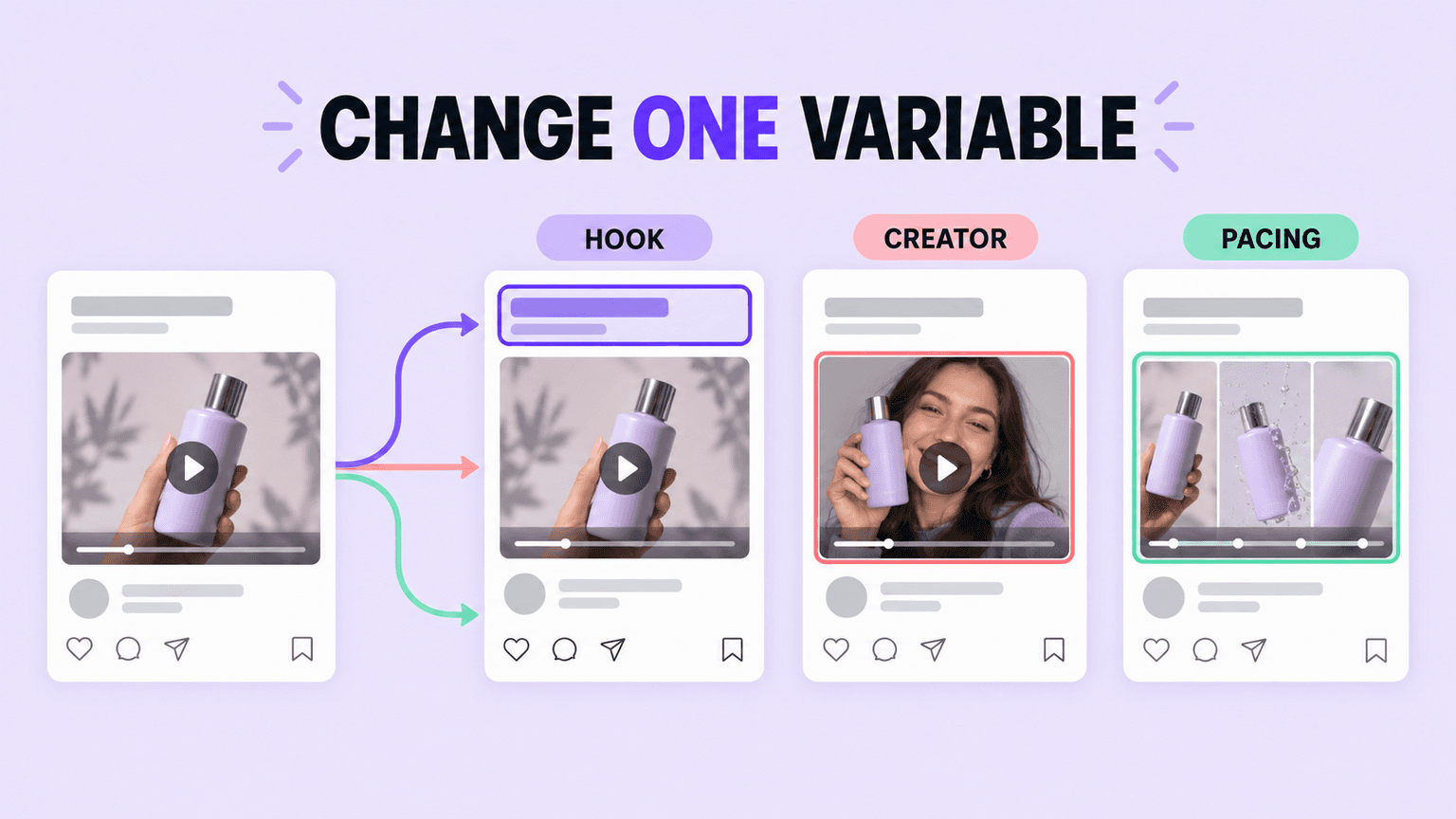
That could be a new hook against the same body and CTA. A different creator delivering the same script. A different pacing on the same footage. The point is to isolate one variable so that if the new version performs differently, you actually know why. Generating five completely different concepts at once produces five data points you can't compare to anything.
Describe the Change, Not the Whole Ad
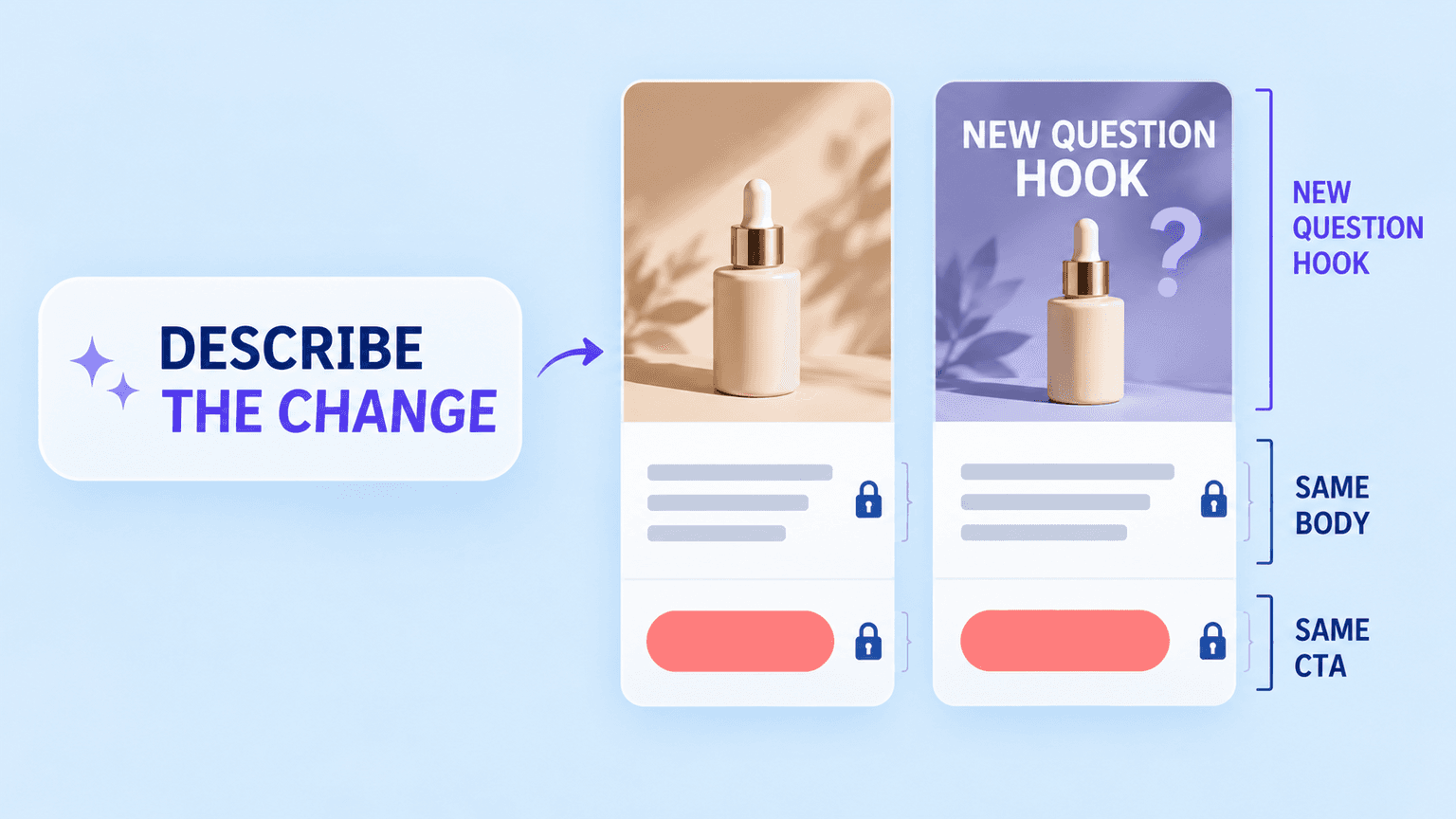
Once you have a reference ad, the prompt only needs to describe what's different, not rebuild the brief from zero. Something like: same structure, same CTA, swap the opening three seconds for a question hook instead of a bold statement, keep everything else. That's a much smaller, more specific ask than "make me a new ad," and it produces a much more usable first draft, because there's less room for the output to drift from what you actually wanted.
Generate Several at Once, Not One at a Time
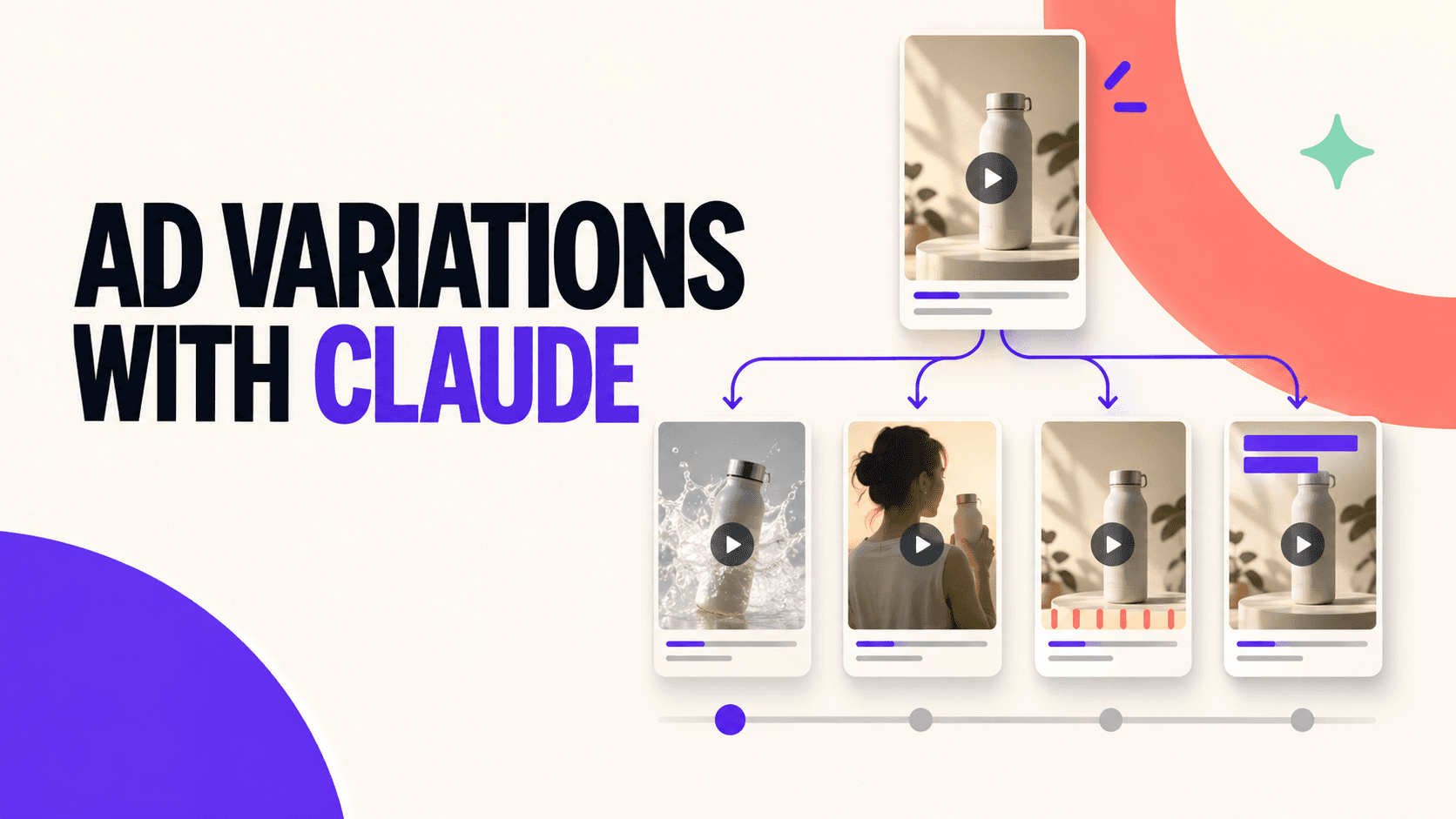
This is where variations differ from a single edit. Instead of producing one version, reviewing it, then starting the next, several versions can be worked on in parallel: a different hook in one, a different creator in another, a different pacing in a third.
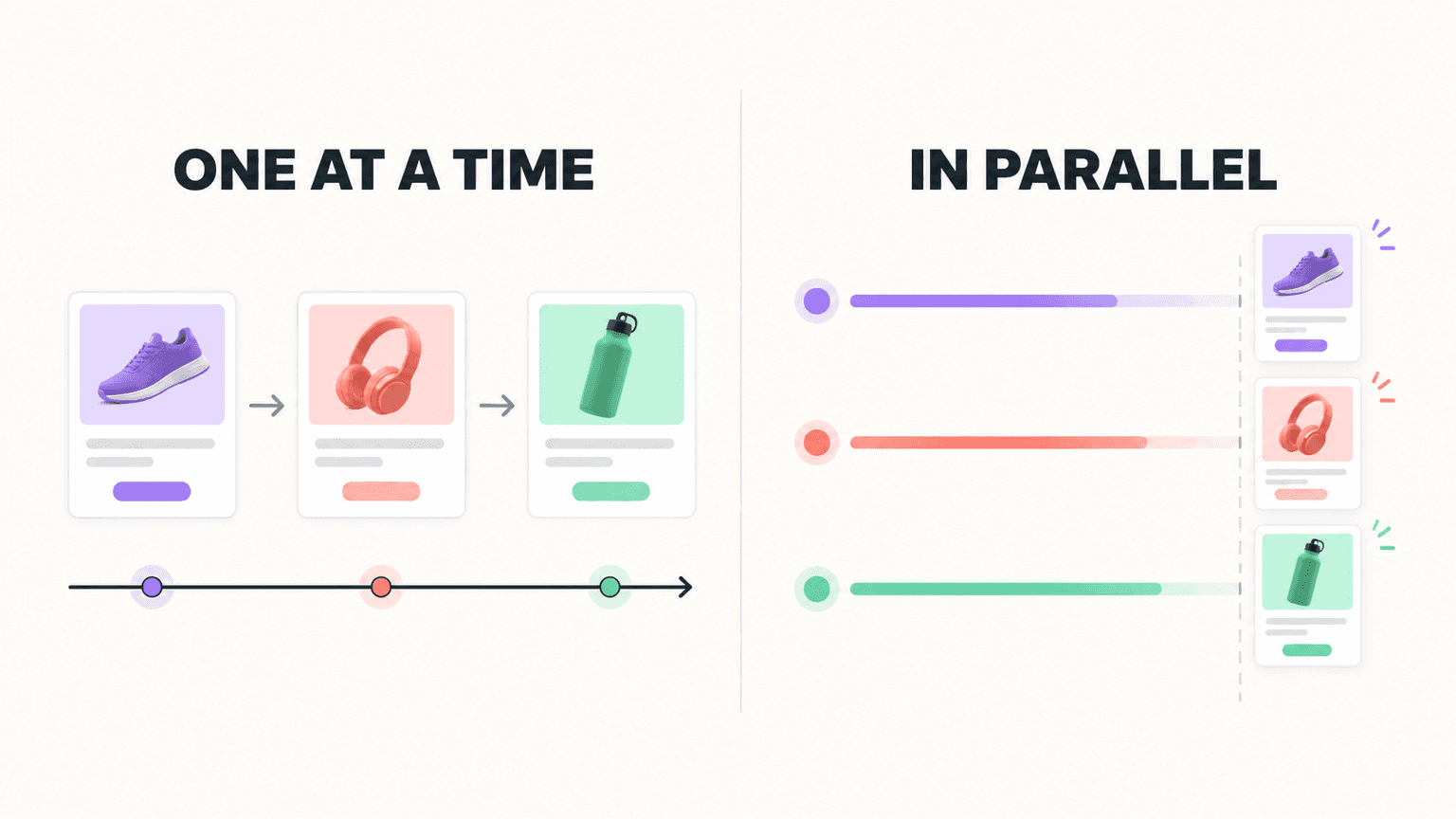
That matters because ad testing is inherently a volume game. You're not looking for one perfect ad, you're looking for enough distinct options to actually find out what the audience responds to this week, not what worked last month. Producing variations sequentially means you're always a few days behind wherever the account's performance actually is. Producing them in parallel means the pipeline can keep pace with fatigue instead of reacting to it after the fact.
Review Each Variation Like a Draft, Not a Final Cut
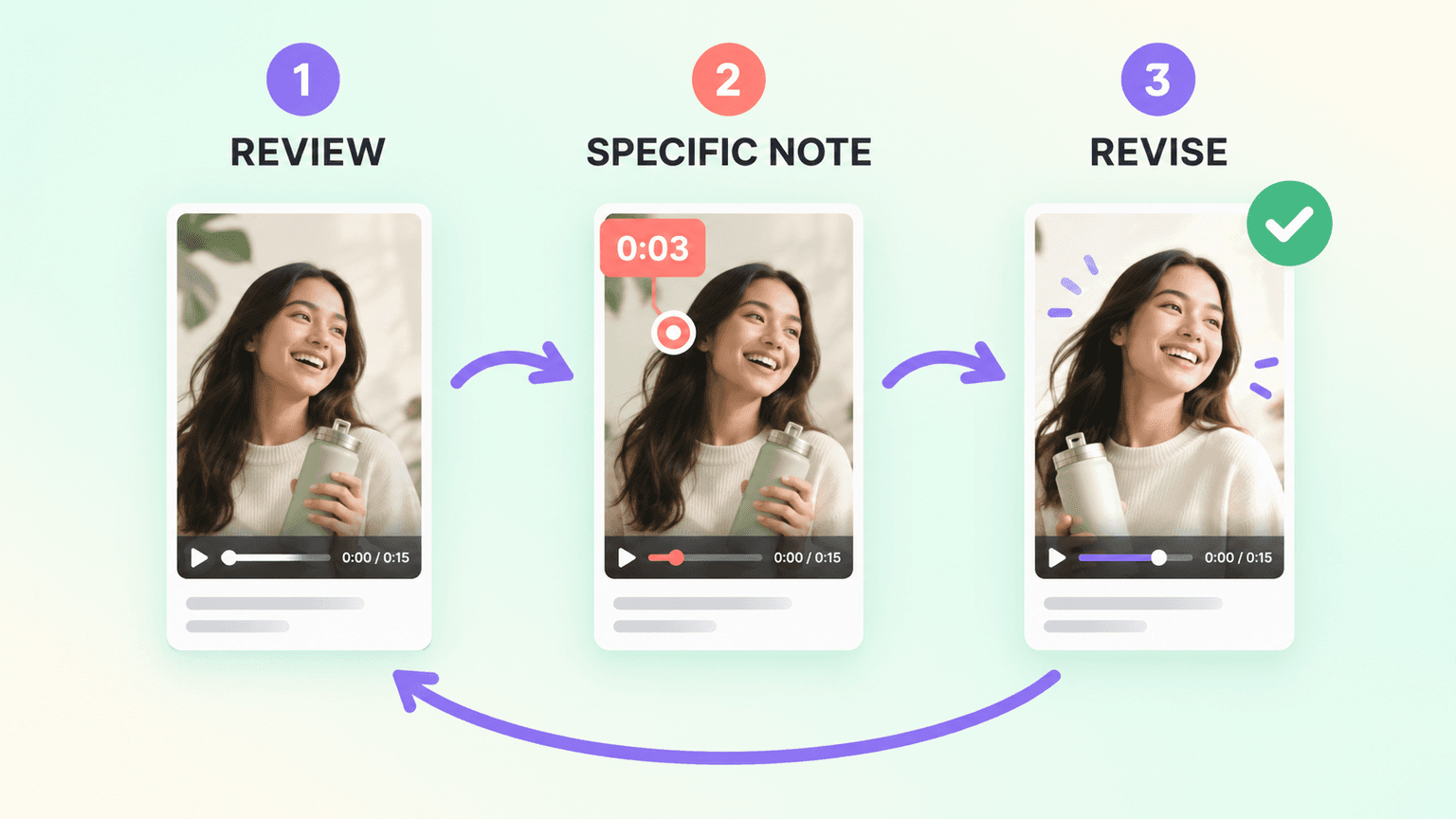
The first version of any variation is a starting point, not a finished ad. Review it the way you'd review a junior editor's rough cut: does the new hook actually land in the first three seconds, does the pacing still feel right against the unchanged body, does the swap you asked for actually read as intentional rather than jarring.
Feedback works best when it's specific. "The hook feels slow" is harder to act on than "the pause after the question runs too long, tighten it by about half a second." The more precisely you can name what's off, the closer the next version lands to usable.
Let It Fill Gaps Instead of Blocking the Variation
Sometimes a variation calls for a moment the available footage doesn't have, a specific reaction shot, a close-up that wasn't captured for this creator. Rather than stalling the variation entirely, short motion-graphics segments or slideshow-style product visuals can bridge that gap directly inside the edit, the same way they can in a first-time production. That keeps a promising variation moving instead of getting shelved because one shot is missing.
Keep the Small Details Consistent Across Versions
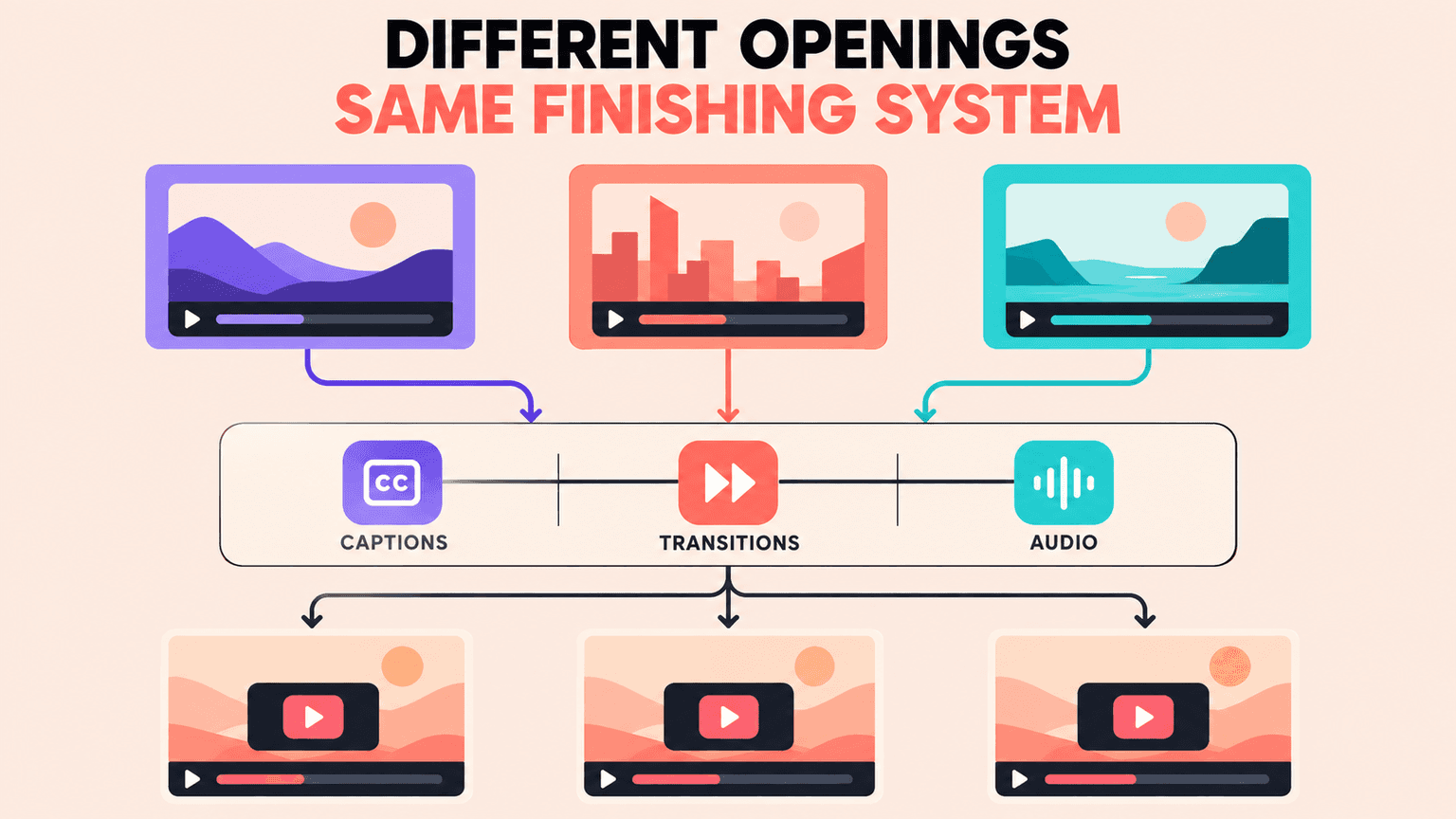
When you're producing several variations of the same underlying ad, small technique details, transition timing, caption placement, and audio leveling need to stay consistent across all of them, or the set starts to feel uneven even when each individual cut is fine on its own. This is one of the advantages of generating variations this way rather than by hand: a technique like a J-cut or L-cut on a transition gets applied the same way in every version, instead of varying slightly depending on which editor cut which variant on which day.
What This Doesn't Replace
Deciding which variation is actually worth running, and reading the results once it is, still requires a human making a judgment call. This process shortens the distance between "we need a new angle" and "here are three testable versions of it." It doesn't replace the read on whether any of them are actually good.
FAQs
How Many Variations Should I Generate at Once?
There's no fixed number, but changing one variable per variation, hook, creator, or pacing, keeps results interpretable. Three to five variations against a single proven structure is a reasonable starting batch for most testing cycles.
Can I Generate Variations From an Ad That Isn't Mine?
The most reliable results come from starting with a reference ad you own or have full rights to, since the process is copying structure and pacing decisions from that reference, not inventing them from nothing.
What If the Footage I Need for a Variation Doesn't Exist Yet?
Short motion-graphics segments or slideshow-style visuals can fill a specific missing shot without stalling the whole variation, the same approach used for footage gaps in a first-time edit.
How Is This Different From Just Asking for a New Ad Concept?
Asking for a new concept starts from nothing and produces a wide range of results that are hard to compare. Asking for a specific variation against a known-working structure isolates one variable, which makes it far easier to tell what actually moved performance once it's tested.