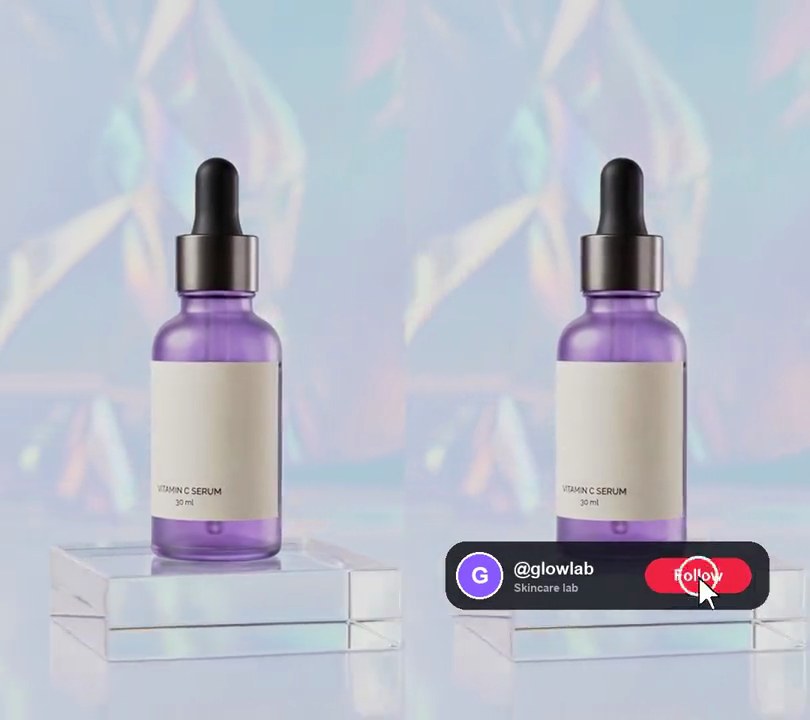
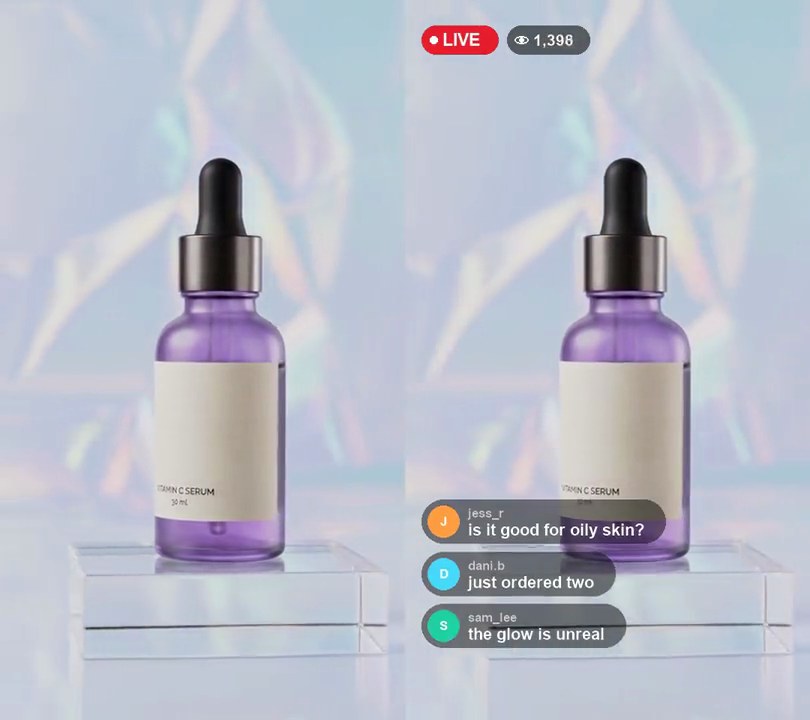
Get this effect
Switch to Code in your Claude Desktop App
Install the skill (once)
Show the prompt
Install the Recharm video effects skill: download https://recharm-growth-staging.s3.us-east-2.amazonaws.com/website/downloads/recharm-video-effects.zip and unzip it into ~/.claude/skillsAsk for the effect
Add floating hearts to input.mp4
Second the first heart appears: 0.5
Seconds between hearts: 0.22

Several videos, several effects, one ask
Put your clips in the folder, mention them with @, and ask for everything at once. Claude runs one tested script after another on each clip, then joins them.
Add floating hearts to @clip1.mp4, put a sale badge on @clip2.mp4, give @clip3.mp4 a VHS look, then join all three with crossfades.
Settings you can change
Ask Claude to change any of these, or edit them at the top of the script.
| Setting | Default | What it does |
|---|---|---|
START | 0.5 | Second the first heart appears. |
EVERY | 0.22 | Seconds between hearts. |
LIFE | 2.6 | Seconds each heart floats before it has faded out. |
ORIGIN | (0.85, 0.90) | Where hearts start, as fractions of width and height. |
RISE | 0.6 | How far a heart rises over its life, as a fraction of the height. |
SPREAD | (-110, 30) | How far a heart drifts left or right by the end of its rise, in pixels. |
SWAY | 18 | How far hearts sway side to side, in pixels. |
SIZE | (40, 62) | Smallest and largest heart width, in pixels. |
COLORS | [(235, 30, 60), (255, 80, 150)] | Heart colors: red and pink. |
SEED | 7 | Change for a different stream of hearts. |
Without the skill
Don’t want to install the skill? Paste this prompt into Claude Code and Claude writes the script itself.
Show the prompt
Add live-stream style floating hearts to input.mp4 (540x960). Draw a heart with Pillow from the curve x = 16 sin^3(a), y = 13 cos(a) - 5 cos(2a) - 2 cos(3a) - cos(4a): a white heart with the same heart scaled to 90% on top in the fill color, so each heart has a thin white edge. Use two fill colors, red (235, 30, 60) and pink (255, 80, 150), picked at random per heart. Starting at 0.5 seconds, launch a new heart every 0.22 seconds until the end of the video, each 40 to 62 pixels wide (random). Each heart starts centered at 85% across and 90% down, pops from 40% to full size in its first 0.2 seconds, rises 60% of the frame height (576 pixels) at a steady speed over 2.6 seconds, drifts a random -110 to +30 pixels sideways over that time while swaying 18 pixels side to side (1.5 sways over its life, easing in over the first third), turns gradually to a random tilt of up to 15 degrees either way, and fades out over the last 45% of its life. Leave the frames before 0.5 seconds untouched, and keep hearts off the left third of the frame. Use Python with Pillow and numpy, compositing onto the video frames with ffmpeg (don't use ffmpeg's drawtext filter, draw any text with Pillow), keep the audio, and save it as output.mp4.Run it without Claude
This is the exact script we tested. Save it as floating-hearts.py and run:
python3 floating-hearts.py input.mp4 output.mp4Show the script
#!/usr/bin/env python3
"""Floating hearts: red and pink hearts float up from the bottom-right corner like live-stream reactions.

Usage: python3 floating-hearts.py input.mp4 output.mp4
Needs ffmpeg, Pillow and numpy (pip install pillow numpy).
"""
import json
import math
import subprocess
import sys

import numpy as np
from PIL import Image, ImageDraw

START = 0.5                                   # second the first heart appears
EVERY = 0.22                                  # seconds between hearts
LIFE = 2.6                                    # seconds each heart floats before it has faded out
ORIGIN = (0.85, 0.90)                         # where hearts start, as fractions of width and height
RISE = 0.6                                    # how far a heart rises over its life, as a fraction of the height
SPREAD = (-110, 30)                           # how far a heart drifts left (-) or right (+) by the end of its rise, in pixels
SWAY = 18                                     # how far hearts sway side to side, in pixels
SIZE = (40, 62)                               # smallest and largest heart width, in pixels
COLORS = [(235, 30, 60), (255, 80, 150)]      # heart colors: red and pink
SEED = 7                                      # change for a different stream of hearts


def probe(path):
    info = json.loads(subprocess.check_output(["ffprobe", "-v", "error", "-select_streams", "v:0", "-show_entries",
                                               "stream=width,height,r_frame_rate:format=duration", "-of", "json", path]))
    s = info["streams"][0]
    num, den = s["r_frame_rate"].split("/")
    return s["width"], s["height"], s["r_frame_rate"], float(num) / float(den), float(info["format"]["duration"])


def heart(color, width=256):
    """A filled heart with a thin white edge, drawn large so it stays smooth when scaled down."""
    pts = []
    for i in range(200):
        a = 2 * math.pi * i / 200
        x = 16 * math.sin(a) ** 3
        y = 13 * math.cos(a) - 5 * math.cos(2 * a) - 2 * math.cos(3 * a) - math.cos(4 * a)
        pts.append((width / 2 + x * width / 36, width * 0.42 - y * width / 36))
    img = Image.new("RGBA", (width, width), (0, 0, 0, 0))
    draw = ImageDraw.Draw(img)
    draw.polygon(pts, fill=(255, 255, 255, 255))
    inner = [(width / 2 + (x - width / 2) * 0.9, width * 0.42 + (y - width * 0.42) * 0.9) for x, y in pts]
    draw.polygon(inner, fill=color + (255,))
    return img.crop(img.getbbox())


src, out = sys.argv[1:3]
w, h, rate, fps, duration = probe(src)
rng = np.random.default_rng(SEED)
sprites = [heart(c) for c in COLORS]
hearts = [{"born": START + k * EVERY, "sprite": sprites[rng.integers(len(sprites))],
           "size": rng.uniform(*SIZE), "drift": rng.uniform(*SPREAD), "phase": rng.uniform(0, 2 * math.pi),
           "tilt": rng.uniform(-15, 15)}
          for k in range(int((duration - START) / EVERY) + 1)]


def layer(t):
    """All hearts alive at time t on a transparent frame."""
    canvas = Image.new("RGBA", (w, h), (0, 0, 0, 0))
    for p in hearts:
        age = (t - p["born"]) / LIFE
        if not 0 <= age < 1:
            continue
        grow = min(age / 0.08, 1)                                   # pops up to full size in its first 0.2s
        scale = p["size"] * (0.4 + 0.6 * grow) / p["sprite"].width
        alpha = 1 if age < 0.55 else 1 - (age - 0.55) / 0.45       # fades out over the last part of its rise
        sprite = p["sprite"].resize((max(1, round(p["sprite"].width * scale)),
                                     max(1, round(p["sprite"].height * scale))), Image.LANCZOS)
        sprite = sprite.rotate(p["tilt"] * age, expand=True, resample=Image.BICUBIC)
        if alpha < 1:
            sprite.putalpha(sprite.getchannel("A").point(lambda v: round(v * alpha)))
        cx = ORIGIN[0] * w + p["drift"] * age + SWAY * math.sin(2 * math.pi * age * 1.5 + p["phase"]) * min(age * 3, 1)
        cy = ORIGIN[1] * h - RISE * h * age
        canvas.alpha_composite(sprite, (round(cx - sprite.width / 2), round(cy - sprite.height / 2)))
    return canvas


reader = subprocess.Popen(["ffmpeg", "-v", "error", "-i", src, "-f", "rawvideo", "-pix_fmt", "rgb24", "-"],
                          stdout=subprocess.PIPE)
writer = subprocess.Popen(["ffmpeg", "-y", "-v", "error", "-f", "rawvideo", "-pix_fmt", "rgb24", "-s", f"{w}x{h}",
                           "-r", rate, "-i", "-", "-i", src, "-map", "0:v", "-map", "1:a?",
                           "-c:v", "libx264", "-crf", "18", "-pix_fmt", "yuv420p", "-c:a", "copy", "-shortest", out],
                          stdin=subprocess.PIPE)
i = 0
while raw := reader.stdout.read(w * h * 3):
    t = i / fps
    if t >= START:
        img = Image.frombytes("RGB", (w, h), raw).convert("RGBA")
        img.alpha_composite(layer(t))
        raw = img.convert("RGB").tobytes()
    writer.stdin.write(raw)
    i += 1
writer.stdin.close()
if reader.wait() or writer.wait():
    sys.exit("ffmpeg failed")