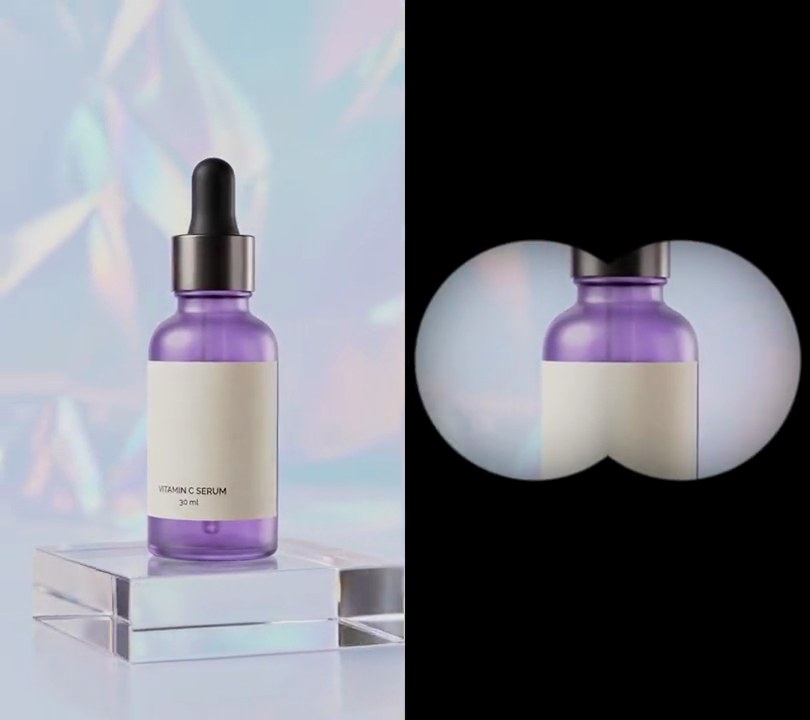
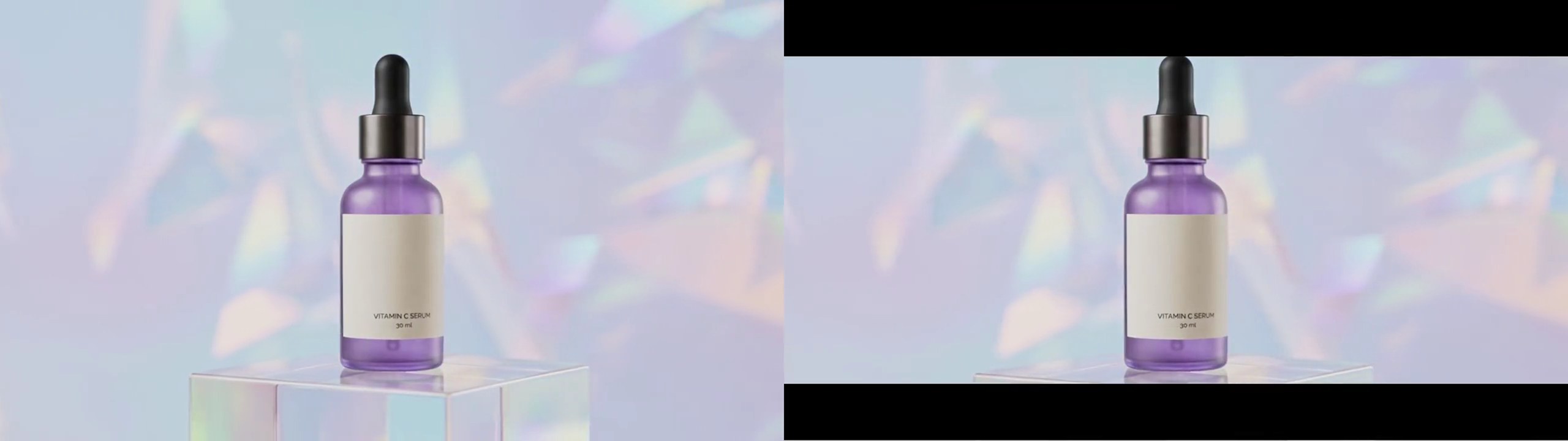
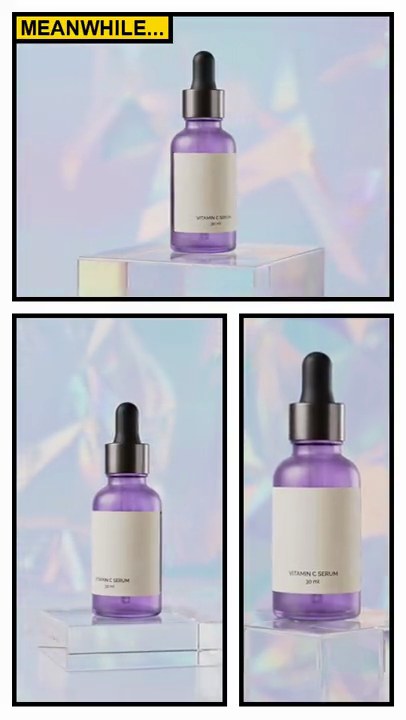
Get this effect
Switch to Code in your Claude Desktop App
Install the skill (once)
Show the prompt
Install the Recharm video effects skill: download https://recharm-growth-staging.s3.us-east-2.amazonaws.com/website/downloads/recharm-video-effects.zip and unzip it into ~/.claude/skillsAsk for the effect
Make a diagonal split screen from top.mp4 and bottom.mp4
Where the dividing line meets the left and right edges, as a share of the height: 0.64, 0.36
How far each clip slides away from the line, as a share of the height, so both subjects stay in view: 0.18

Several videos, several effects, one ask
Put your clips in the folder, mention them with @, and ask for everything at once. Claude runs one tested script after another on each clip, then joins them.
Add a diagonal split screen to @clip1.mp4, put a sale badge on @clip2.mp4, give @clip3.mp4 a VHS look, then join all three with crossfades.
Settings you can change
Ask Claude to change any of these, or edit them at the top of the script.
| Setting | Default | What it does |
|---|---|---|
LEFT_Y, RIGHT_Y | 0.64, 0.36 | Where the dividing line meets the left and right edges, as a share of the height. |
SHIFT | 0.18 | How far each clip slides away from the line, as a share of the height, so both subjects stay in view. |
DIVIDER | 8 | White line width in pixels. 0 removes it. |
Without the skill
Don’t want to install the skill? Paste this prompt into Claude Code and Claude writes the script itself.
Show the prompt
Make a diagonal split screen from top.mp4 and bottom.mp4, the same size as top.mp4 (540x960), 30fps, 6 seconds. A straight line runs from the left edge at 64% of the height (y=614) to the right edge at 36% of the height (y=346). Above the line show top.mp4 moved up by 18% of the height (173 px), so the frame shows its rows 173 to 960; below the line show bottom.mp4 (fitted to the same size, cropped from the center) moved down by 173 px. Draw an 8-pixel pure white (255,255,255) line along the dividing edge, anti-aliased, with nothing else white on screen. Draw the mask and line as images with Pillow (not ffmpeg's drawtext or geq) and composite them with ffmpeg. Keep top.mp4's audio, encode H.264 yuv420p and save it as output.mp4.Run it without Claude
This is the exact script we tested. Save it as diagonal-split-screen.py and run:
python3 diagonal-split-screen.py top.mp4 bottom.mp4 output.mp4Show the script
#!/usr/bin/env python3
"""Diagonal split screen: two clips share the frame, divided by a slanted white line that drops from right to left.

Usage: python3 diagonal-split-screen.py top.mp4 bottom.mp4 output.mp4
Needs ffmpeg and Pillow (pip install pillow). The output keeps top.mp4's size and sound.
"""
import json
import subprocess
import sys
import tempfile
from pathlib import Path

from PIL import Image, ImageDraw

LEFT_Y, RIGHT_Y = 0.64, 0.36   # where the dividing line meets the left and right edges (0-1 down the frame)
SHIFT = 0.18                   # each clip slides this share of the height away from the line, so both subjects stay in view
DIVIDER = 8                    # white line width in pixels (0 for none)
FPS = 30
SS = 4                         # supersampling for smooth edges on the mask and line


def probe(path):
    info = json.loads(subprocess.check_output(["ffprobe", "-v", "error", "-select_streams", "v:0", "-show_entries",
                                               "stream=width,height:format=duration", "-of", "json", path]))
    s = info["streams"][0]
    return s["width"], s["height"], float(info["format"]["duration"])


def line():
    """The dividing line's two ends, at supersampled size."""
    return [(0, LEFT_Y * h * SS), (w * SS, RIGHT_Y * h * SS)]


def mask():
    """White where the bottom clip shows: everything below the line."""
    img = Image.new("L", (w * SS, h * SS), 0)
    (x0, y0), (x1, y1) = line()
    ImageDraw.Draw(img).polygon([(x0, y0), (x1, y1), (x1, h * SS), (x0, h * SS)], fill=255)
    return img.resize((w, h), Image.LANCZOS)


def divider():
    img = Image.new("RGBA", (w * SS, h * SS))
    if DIVIDER:
        ImageDraw.Draw(img).line(line(), fill="white", width=DIVIDER * SS)
    return img.resize((w, h), Image.LANCZOS)


top, bottom, out = sys.argv[1:4]
w, h, duration = probe(top)
s = round(h * SHIFT)
with tempfile.TemporaryDirectory() as tmp:
    mask().save(f"{tmp}/mask.png")
    divider().save(f"{tmp}/divider.png")
    fit = f"scale={w}:{h}:force_original_aspect_ratio=increase,crop={w}:{h},fps={FPS},setsar=1"
    subprocess.run(["ffmpeg", "-y", "-v", "error", "-i", top, "-i", bottom,
                    "-loop", "1", "-t", str(duration), "-i", f"{tmp}/mask.png",
                    "-loop", "1", "-t", str(duration), "-i", f"{tmp}/divider.png",
                    "-filter_complex",
                    # top clip moves up and bottom clip moves down by the shift, then the mask cuts the bottom one
                    f"[0:v]{fit},crop={w}:{h - s}:0:{s},pad={w}:{h}:0:0[t];"
                    f"[1:v]{fit},crop={w}:{h - s}:0:0,pad={w}:{h}:0:{s}[b];"
                    f"[2:v]fps={FPS},format=gray[m];[b][m]alphamerge[bm];"
                    f"[3:v]fps={FPS},format=rgba[d];"
                    f"[t][bm]overlay[tb];[tb][d]overlay,format=yuv420p[v]",
                    "-map", "[v]", "-map", "0:a?", "-t", str(duration),
                    "-c:v", "libx264", "-crf", "18", "-c:a", "copy", out], check=True)