Stop scrubbing through endless timelines
Start searching with AI visual search for videos
Editors constantly scrub through videos just to find one usable moment—slowing production and draining creative energy.
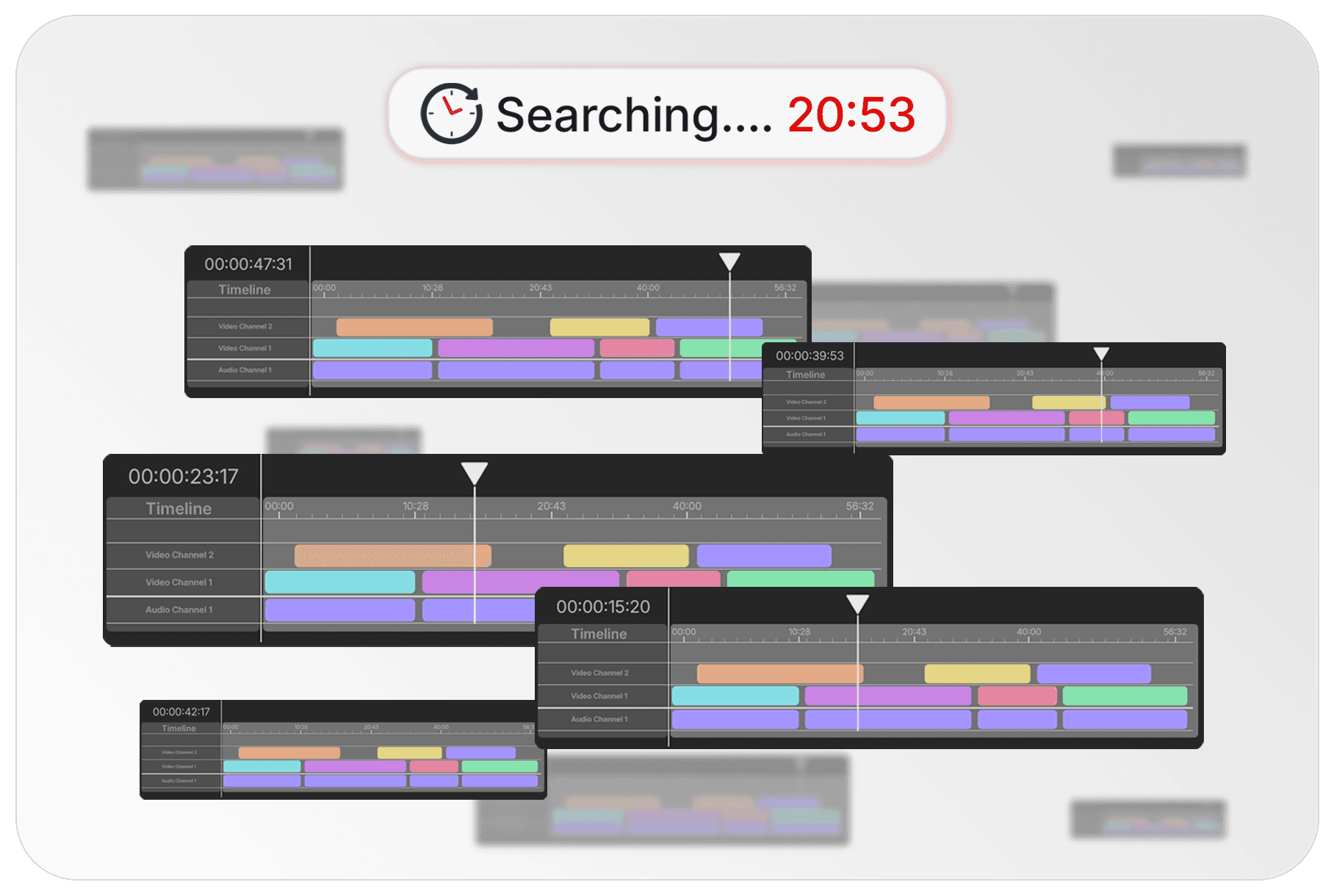
Recharm analyzes every video you upload and makes it searchable by what’s inside the footage—like personas, products, scenes, or actions.

AI VISUAL SEARCH
Search your footage like you think.
No manual tagging needed.
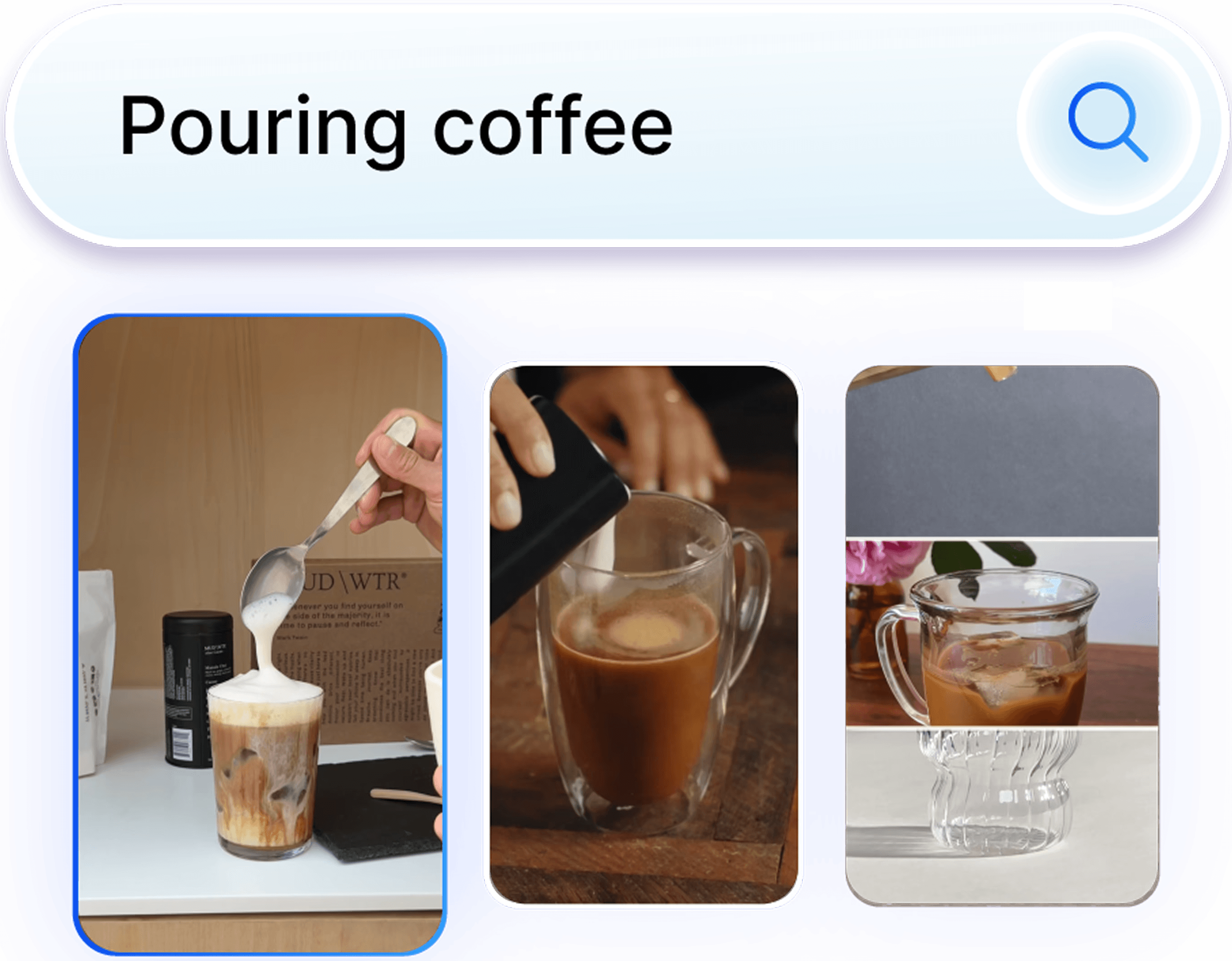
Recharm allows you to search videos using natural descriptions. The system recognizes visual and contextual elements inside the footage so teams can quickly locate the right clips.
People or personas
appearing in the video
Objects or products
shown in the frame
Actions
happening in the footage
Text or captions
visible in the video
DITCH MANUAL LABELING
Traditional asset libraries require manual tagging before videos become searchable. It’s slow and often skipped.
Recharm eliminates that work. Its AI automatically analyzes footage so clips are searchable the moment they’re uploaded.
PRECISION MATCH
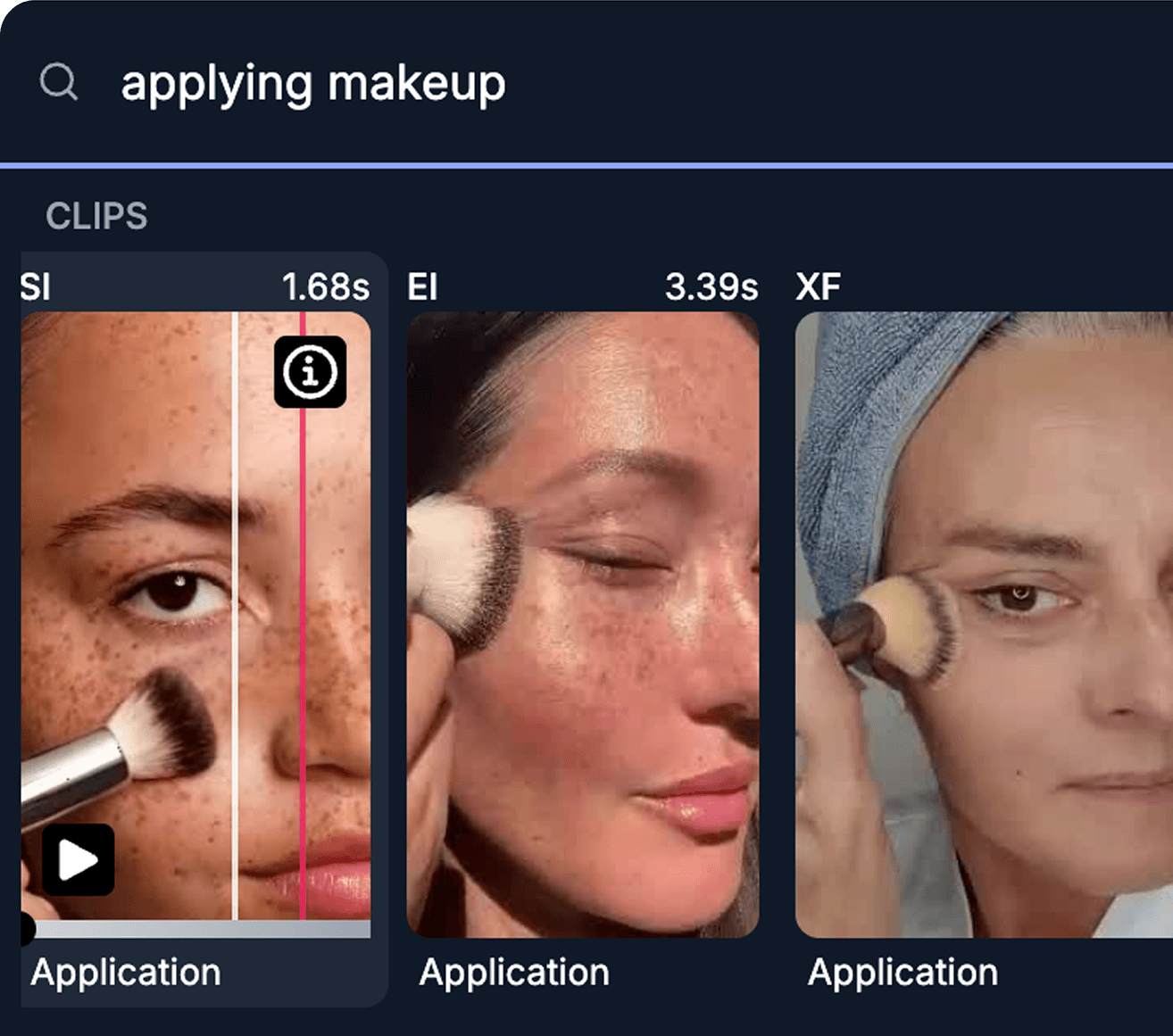
When you search for something like “talking on phone” or “product demo,” Recharm highlights the exact moment it appears in the video. A timeline marker lets you jump straight to the match, so you don’t waste time scrubbing through the entire clip.
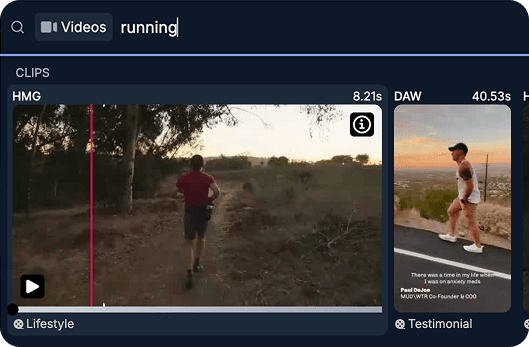
AI VISUAL SEARCH
Search your footage like you think.
No manual tagging needed.
Google Drive
Search moments inside videos
Search by objects in the video
Search by actions happening in the clip
Search by people or personas
Search captions or text inside video
Preview clips instantly
Find clips without opening files
Built for creative teams
Discover reusable footage easily
Who is this for
For the people who make the ads
Trusted by teams producing high-performing video ads.
Creative Strategists
Creative strategists often have ideas but struggle to find the right footage. AI visual search lets them instantly locate matching clips and build clearer creative briefs.
Find the right persona
Search for clips featuring specific people, such as founders, customers, or creators using the product. This makes it easy to find the right person for a new creative concept.
Describe your vision
Instead of explaining an idea verbally, strategists can search for moments like product demonstration, customer reaction, or unboxing on a table. This helps them quickly find visual references that represent the concept they want to test.
Build briefs faster
When the right clips are easy to find, strategists can pull visual references directly into their creative briefs. This helps editors understand the direction instantly and reduces back-and-forth during the briefing process.
Video Editors
Editors spend a huge amount of time opening files and scrubbing through footage just to find usable clips. Visual search eliminates that step.
Find B-roll instantly
Editors can search for moments like product close-ups or customer reactions instead of scrubbing through timelines. The system instantly surfaces relevant clips.
Preview clips immediately
Editors can quickly preview clips directly inside the search results. This allows them to scan multiple options in seconds and choose the best moment without opening multiple files.
Download only the clip you need
Rather than downloading entire videos and trimming them later, editors can grab just the exact clip they need. This speeds up the editing workflow and keeps projects lightweight.
