Footage Gap Finder
Know exactly what to shoot before you brief a creator. Claude identifies every shot type your concept needs, searches your library for each one, and delivers a gap report with a prioritized shoot list.
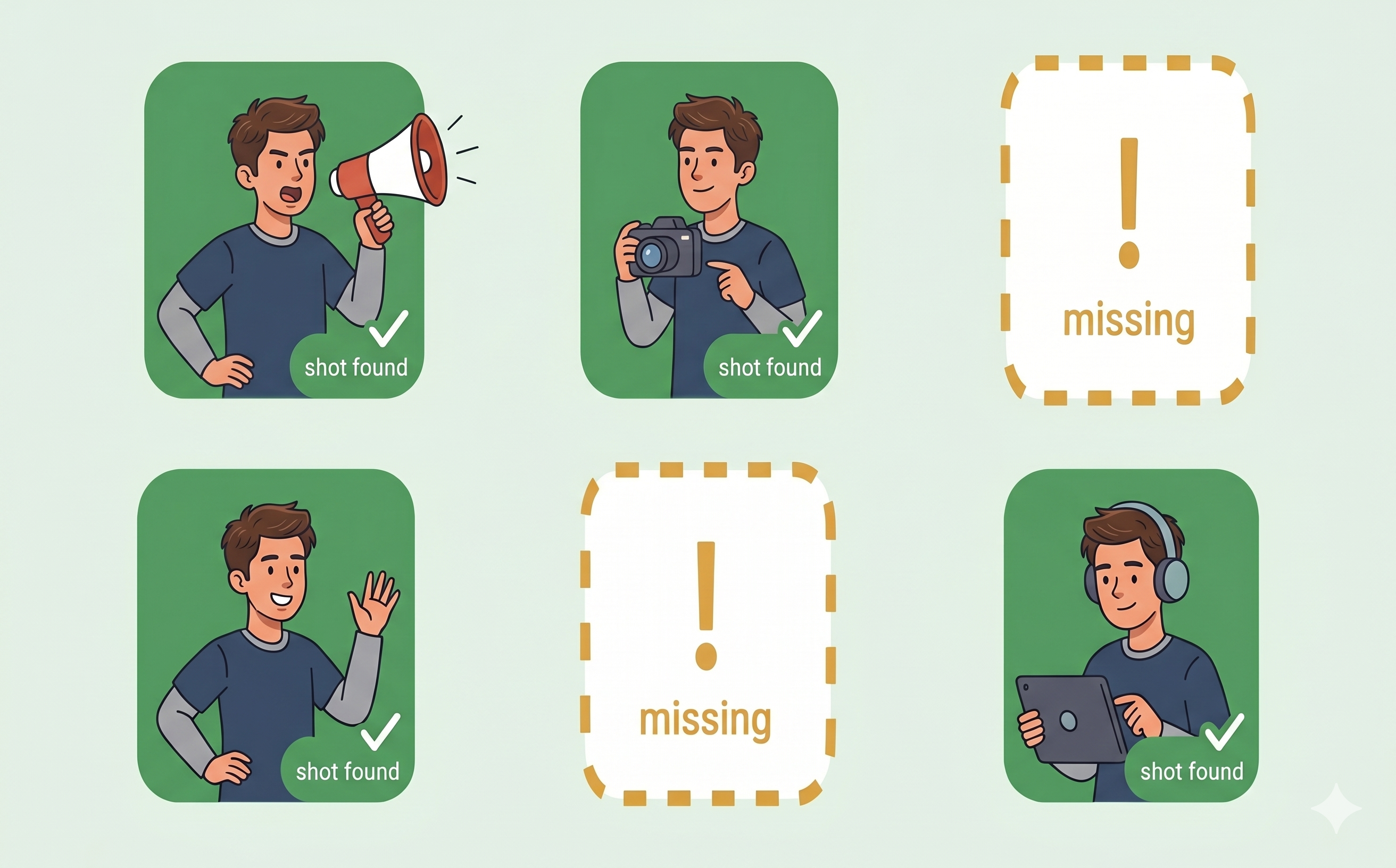
From your concept to a shoot-ready gap report
Identify every shot the concept needs
Claude reads your concept and builds a checklist of every shot type the finished ad would require: hooks, problem moments, product demos, proof shots, and CTAs, before searching for anything.
Search the library and verify every hit
Claude searches your Recharm library for each shot type and inspects the top results to judge whether they genuinely depict the shot. A close distance score alone does not count as coverage.
Deliver a gap report with a shoot list
Every shot type with no usable clips is flagged as a gap. You get a prioritized shoot list with a clear reason why each shot matters to the concept, ready to take straight into production planning.