

Most creative teams do not have an image creation problem. They have an image discovery problem. The assets exist, the photoshoots happened, the campaigns ran, the UGC came in. But when someone needs the right image right now, nobody can find it.
A DTC brand running campaigns for three years can easily accumulate 30,000 images sitting in folders named by date or campaign code. When a strategist needs every product shot with a white background for a new launch, they spend hours opening files one by one. That is not a storage failure. That is a discovery failure, and it costs creative teams far more time than most realize.
AI image tagging solves this. It reads every image on upload, generates descriptive metadata automatically, and makes your entire library searchable from the moment assets land. This guide covers how it works, which features matter, and how to evaluate the right tool for your team.
TL;DR
AI image tagging software uses computer vision to automatically generate descriptive keywords and metadata for images, with no manual input required.
It categorizes images by objects, scenes, colors, themes, and visual attributes at scale.
The core payoff is searchability: any asset becomes findable in seconds rather than hours.
Teams in e-commerce, DTC brands, creative agencies, and media see the biggest time savings.
When choosing a tool, test accuracy on your own content type, confirm batch processing capability, and check how well it integrates with your existing creative stack.
What Exactly Is AI Image Tagging Software?
AI image tagging software uses machine learning and computer vision to automatically generate descriptive keywords, labels, and metadata for images based on their visual content. Instead of a team member manually typing tags for each file, the software analyses what is actually inside the image and outputs structured metadata.
What it tags typically includes objects, scenes, colors, faces, text (via OCR), aesthetic qualities, and custom visual themes. Advanced systems also detect contextual relationships between elements, distinguishing a lifestyle product shot from a studio ingredient close-up, for instance.
The practical value is straightforward. A library that once required weeks of manual cataloguing gets processed and organized at ingest. Every new upload is immediately searchable. Teams stop digging through folders and start finding assets.
How AI Photo Recognition Actually Works
AI photo tagging follows a five-step workflow, and understanding it helps teams evaluate tools more confidently and set realistic expectations.
Step 1 — Data ingestion Images are uploaded directly or connected via cloud storage. Most tools support bulk ingest, meaning you can process an existing library of thousands of images in a single run.
Step 2 — Feature extraction The AI analyses each image for edges, textures, colors, shapes, and spatial relationships. This is where the system learns to distinguish a product shot from a promotional graphic, or a before-and-after image from a creator lifestyle photo.
Step 3 — Model application A trained machine learning model maps those extracted features to a taxonomy of labels. Object detection identifies specific items. Semantic analysis categorizes the broader visual context of the image.
Step 4 — Tag generation Tags are output as keywords — sometimes with confidence scores and hierarchical categorization, mapping broad themes down to specific visual attributes.
Step 5 — Metadata storage Generated tags become searchable metadata stored alongside the image. From that point, any team member can retrieve images by describing what they need, not by guessing a file name or remembering which folder it lives in.
Must-Have Features in Any AI Image Tagging Solution
Not every tool is built for the same use case. These are the capabilities that actually matter when evaluating options.
Accuracy on your content type Generic AI models trained on broad datasets often underperform on specialized content. A supplements brand needs reliable product recognition. A fashion retailer needs precise color and garment classification. Always test a tool against a sample of your actual image library before committing — accuracy varies significantly by content type.
Recharm's AI image tagging is built specifically for creative and campaign asset libraries. It detects visual themes like before-and-after images, promotional graphics, product close-ups, and ingredient shots — the categories performance teams actually search for, not generic object labels.
Batch processing A library does not grow neatly. Confirm that any tool you evaluate handles bulk ingest at scale without degrading accuracy or stalling mid-process. Ask specifically about legacy library migration — processing thousands of historical assets is a different challenge from tagging new uploads in real time.
Visual search quality The entire point of tagging is retrieval. Assess whether the tool enables true visual search — finding images by scene, object, mood, or theme — or whether it only supports keyword search against manually entered metadata. The gap between the two determines how usable the library actually is for a fast-moving creative team.
Integration with your existing stack A standalone tagging tool that does not connect to your creative workflow adds steps instead of removing them. Check for API availability and native integrations with the tools your team already uses — whether that is a DAM, a design platform, or a campaign management system.
Privacy and data handling Understand where processing happens. Cloud-based processing is standard, but teams handling sensitive client assets or proprietary product photography may need clarity on data residency and access controls before onboarding.
Why Every Team Needs AI Image Tagging in Their Workflow
Speed Manual cataloguing takes meaningful time per image. For libraries running into thousands of assets, the cumulative hours add up to weeks of team capacity spent on organization rather than production. AI tagging eliminates that entirely, and assets are organized the moment they are uploaded.
Consistency Human taggers apply different terminology, miss attributes, and build inconsistent taxonomies as teams change over time. AI applies the same classification logic to every image, which means the library stays searchable at scale, not just when it was small.
Creative reuse Tagged libraries make existing assets discoverable. Teams routinely commission new photography without realizing the shot they need already exists. When any image surfaces in seconds, reuse becomes the default, which reduces production costs and speeds up campaign turnaround.
Compliance Metadata can include rights flags and consent records alongside content tags, helping teams avoid accidentally using assets beyond their licensed scope. This matters more as libraries grow, because the risk of an accidental breach scales with the volume of assets in circulation. Good creative asset management means knowing not just where an asset lives, but whether it is cleared for use.
In What Industries Does AI Photo Tagging Really Pay Off?
E-commerce and DTC brands An e-commerce team managing tens of thousands of product images across seasonal catalogs needs more than storage. AI tagging handles product variation cataloguing, automatically distinguishing colorways, packaging configurations, and lifestyle versus product-only shots. It also powers faster asset retrieval for ad creative teams building new campaigns from existing photography.
Creative agencies Agencies managing multi-client libraries face a specific challenge: assets from different brands live in the same system, and team members need to find the right campaign imagery without pulling from the wrong client. AI tagging with custom taxonomy keeps libraries organized and searchable regardless of how much content accumulates.
Stock photography and media Stock platforms process thousands of images from contributors daily. Manual keywording at that volume is simply not viable. AI tagging assigns keywords at ingest, improving search accuracy within the platform and making assets more discoverable to buyers.
Event and sports photography Facial recognition and scene identification automate what would otherwise require hours of manual sorting after a multi-hour shoot. Photographers can deliver organized, searchable galleries without manually reviewing every frame.
AI Image Tagging Software: Top Tools to Evaluate in 2026
The market for AI image tagging tools has expanded significantly. Here is a practical breakdown of the options worth evaluating, with honest notes on ideal use cases.
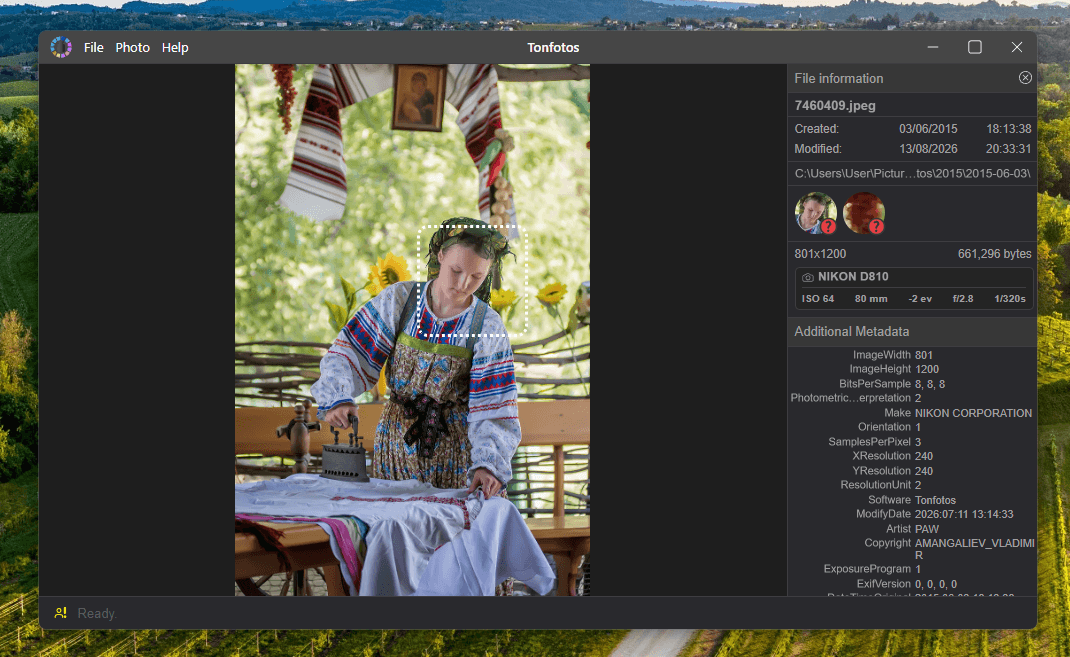
Tonfotos
Source: https://tonfotos.com/
Best for: Personal and family photo archives and photographers
Pricing: free basic functionality, $59 for life-long license
Core strengths: AI face recognition, person tagging, offline photo
organization, metadata-based browsing, duplicate detection, and local search
by people, dates, and locations
Limitations: Desktop-focused tool for photo archives, not a full DAM platform
for team collaboration or automated campaign asset workflows
Excire Foto

Source: https://excire.com/
Best for: Photographers managing large personal or professional archives
Pricing: One-time purchase (~$199), 14-day free trial
Core strengths: Offline processing, all data stays on your machine, strong facial recognition, and semantic search across local libraries
Limitations: Desktop only, no API, no team collaboration, not suited for cloud-based production workflows
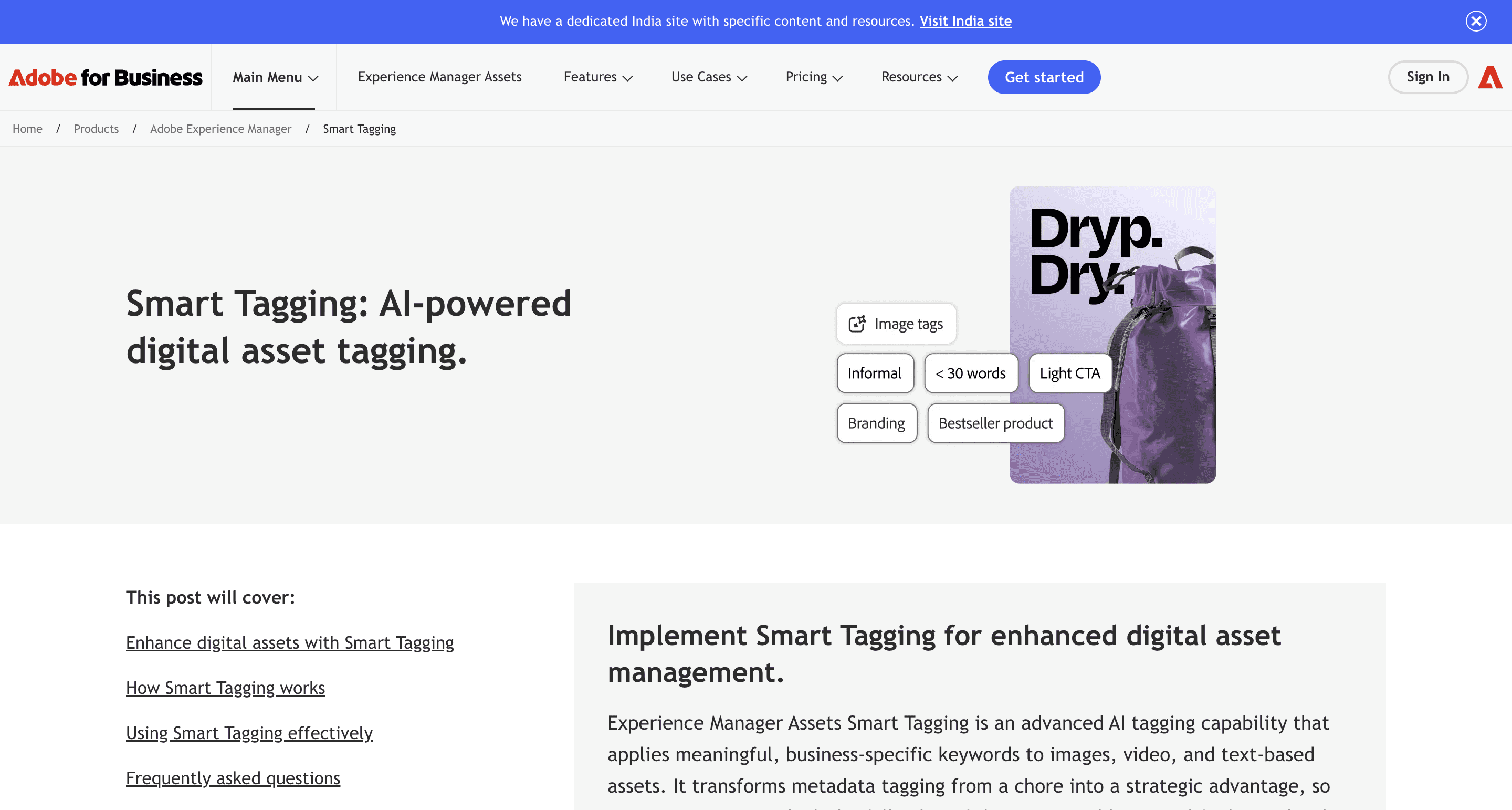
Adobe Experience Manager Smart Tagging
Source: https://business.adobe.com
Best for: Large enterprise marketing teams inside the Adobe ecosystem
Pricing: Enterprise pricing, bundled with AEM
Core strengths: Deep Adobe integration, AI-generated metadata improving search accuracy across campaigns
Limitations: Heavy implementation overhead, not accessible for smaller teams or independent agencies
Filestack
Source: https://www.filestack.com/
Best for: Engineering teams building custom tagging pipelines into products
Pricing: API-based, volume tiers Core strengths: API-first, object detection, custom workflow builder
Limitations: Requires engineering resource, not a self-serve solution for marketing or creative teams
Cyme

Source: https://cyme.io/en
Best for: Creative studios managing multi-brand image archives
Pricing: Subscription (custom quotes) C
ore strengths: Concept and color-based retrieval, creative agency focus, workflow integrations
Limitations: Less publicly documented accuracy benchmarks, pricing requires direct contact
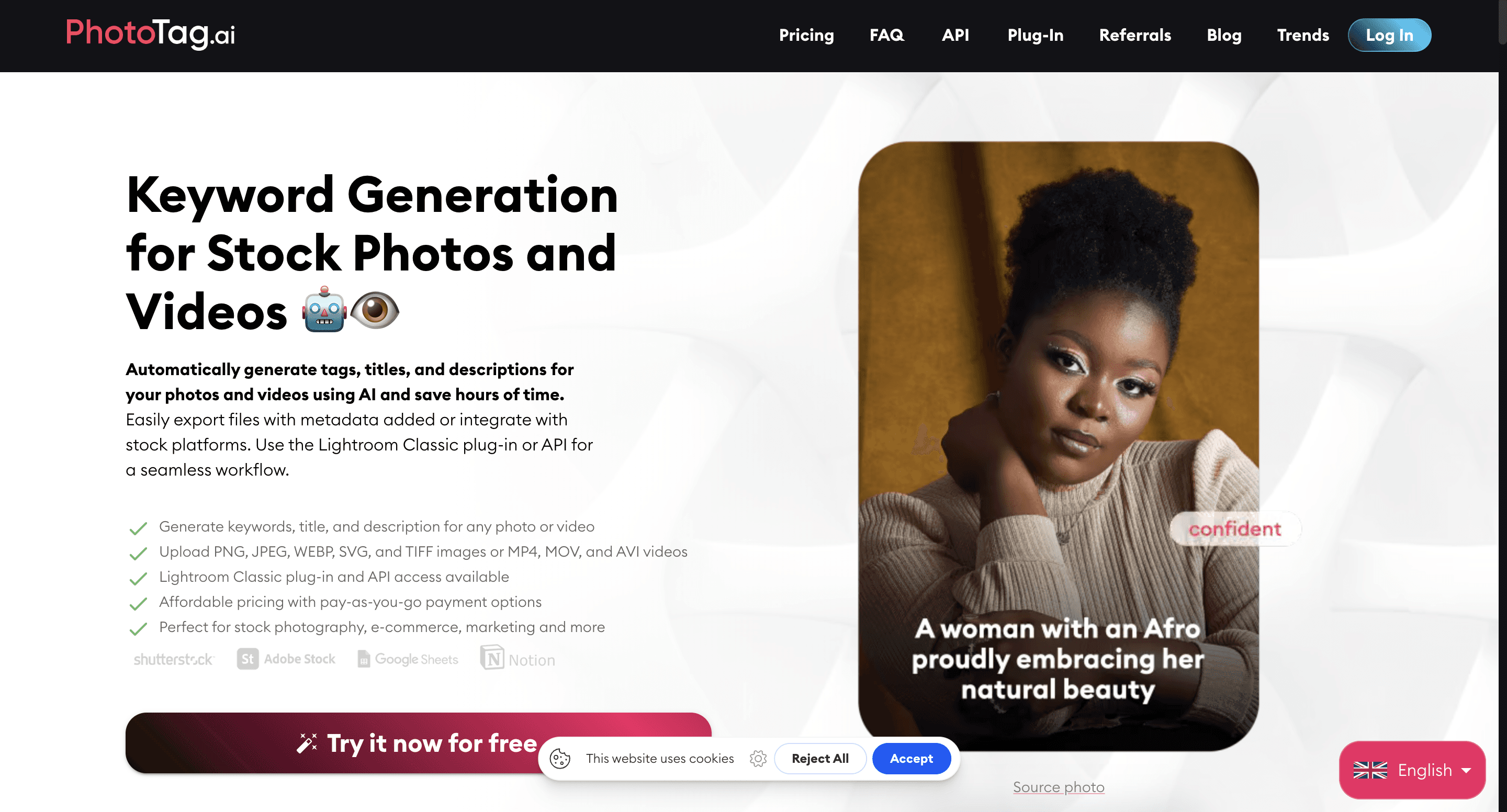
PhotoTag.ai
Source: https://www.phototag.ai/
Best for: Stock photographers and image licensing teams
Pricing: Per-image or monthly subscription Core strengths: Specialized in stock photography keywording, AI-generated IPTC metadata, API access
Limitations: Narrow use case, not built for general creative production or campaign asset management
Recharm

Source: https://www.recharm.com/
Best for: DTC brands and performance creative teams managing ad assets at scale
Core strengths: AI Image Theme Detection, visual search across campaign libraries, creator-level organization, built specifically for ad creative workflows
Limitations: Purpose-built for creative and ad production, not a general-purpose photo archive tool
Tool | Best For | Pricing Model | Cloud / Offline | Visual Search | Team Collaboration | Free Trial |
Excire Foto | Photographers | One-time (~$199) | Offline | Limited | No | Yes (14 days) |
Adobe AEM Smart Tagging | Enterprise marketing | Enterprise | Cloud | Strong | Yes | Demo only |
Filestack | Developer pipelines | API / Volume | Cloud | Moderate | Via API | Yes (free tier) |
Cyme | Creative agencies | Subscription | Cloud | Strong | Yes | On request |
PhotoTag.ai | Stock photographers | Per-image / Sub | Cloud | Limited | No | Yes |
Recharm | DTC / Ad creative teams | Subscription | Cloud | Strong | Yes | Yes (14 days) |
How to Pick the Right AI Image Tagging Tool
Define your primary need first: Search and retrieval, metadata governance, compliance tracking, and workflow automation are different problems. Tools optimize for different priorities. Getting this wrong means either underusing the tool or hitting its ceiling quickly.
Test on your own content: Request a trial with a representative sample of your actual image library. Accuracy varies significantly by content type, a tool that performs well on stock photography may struggle with dark product shots or mobile creator content.
Evaluate integration depth: A tagging tool that does not connect to your existing creative stack adds a workflow step for every retrieval. Confirm native integrations with your DAM, creative platform, and ad management tools before committing.
Model long-term cost: Pricing structures differ dramatically across tools. Per-image pricing scales quickly with large libraries. API call costs can surprise teams running high-volume automation. Compare pricing at your current volume and your projected volume 12 months from now.
See how AI image tagging works inside a real creative production workflow. Recharm automatically organizes your image library by visual theme, so your team finds the right asset for every brief in seconds.
The Recharm Advantage: Turning Image Metadata into Campaign-Ready Assets
Most AI image tagging tools stop at search. Recharm connects tagging directly to the production workflow.
Built for ad creative teams: Recharm's AI Image Theme Detection is not a general cataloguing tool. It is designed specifically for performance creative workflows, where the question is not just "what is in this image" but "which images should anchor this brief, and have we used them before?"
The system automatically analyzes uploaded images and groups them into meaningful visual themes: product shots, before-and-after images, promotional visuals, ingredient close-ups, and more. Teams browse by theme rather than digging through folders, and find the right asset without opening a single file manually.
Visual search built for creatives: Tagged images in Recharm become instantly findable by product, visual theme, or campaign concept. A strategist working on a new ad brief types a description and surfaces every matching image already in the library — before briefing a designer or commissioning a new shoot.
Creator-level organization: Beyond image themes, Recharm connects image and video assets to specific creators. Teams managing UGC libraries can filter the entire library by creator in one click, making it easy to pull the right talent's content for any campaign.
Rights and usage clarity: Recharm's Usage Rights feature keeps licensing information alongside the asset, so teams always know whether an image is cleared for use before it goes into production.
From Image Discovery Problem to Creative Advantage
Most creative teams are not short of images. They are short of a way to find them. Assets pile up across folders, campaigns, and shoots, and the time lost hunting through them quietly drains creative output every single week.
AI image tagging turns that discovery problem into a solved one. Every image becomes searchable the moment it lands, rights information travels with the asset, and teams stop commissioning new shoots for content they already own.
The right tool depends on your workflow. Photographers managing personal archives, enterprise teams embedded in Adobe, and stock platforms all have options built for their specific needs. But for DTC brands and performance creative teams producing ads at scale, the requirement is not just tagging: it is tagging that connects directly to production. That is where Recharm is built differently.
When your image library is organized by visual theme, linked to creators, and searchable by campaign concept, briefing gets faster, reuse becomes the default, and your existing assets start working as hard as the team that created them.
Start your 14-day free trial of Recharm and see how AI image tagging changes the way your team works with creative assets.
FAQs
What is the difference between AI image tagging and manual photo keywording?
Manual keywording requires someone to review each image and type descriptive terms by hand, which is a slow process that produces inconsistent results at scale. AI image tagging analyzes image content automatically and generates metadata at ingest, applying the same logic to every image regardless of library size.
How accurate is AI image tagging for e-commerce product images?
Accuracy depends on the tool and the content type. Standard commercial images like product shots against plain backgrounds tend to yield strong results. Complex compositions, low-light images, or highly specialized product categories can be trickier. Always test with a sample of your own content before committing to a tool.
Can AI image tagging software recognize specific people or faces?
Yes, facial recognition is a standard feature in most enterprise tools. Recharm specifically identifies creators appearing in footage and images, making it possible to filter an entire library by person and pull all content featuring a specific creator instantly.
How does AI image tagging handle batch processing of large libraries?
Most cloud-based tools support bulk ingest. You upload a folder or connect cloud storage and the system processes the entire library automatically. Processing speed and consistency at scale should be confirmed with the vendor before migrating a large legacy library.
Which AI image tagging tool is best for creative agencies managing ad production?
For agencies and DTC brands focused on performance creative, Recharm offers the deepest connection between image metadata and actual ad production workflows, with visual search, creator-level organization, and theme detection built specifically for campaign asset management.