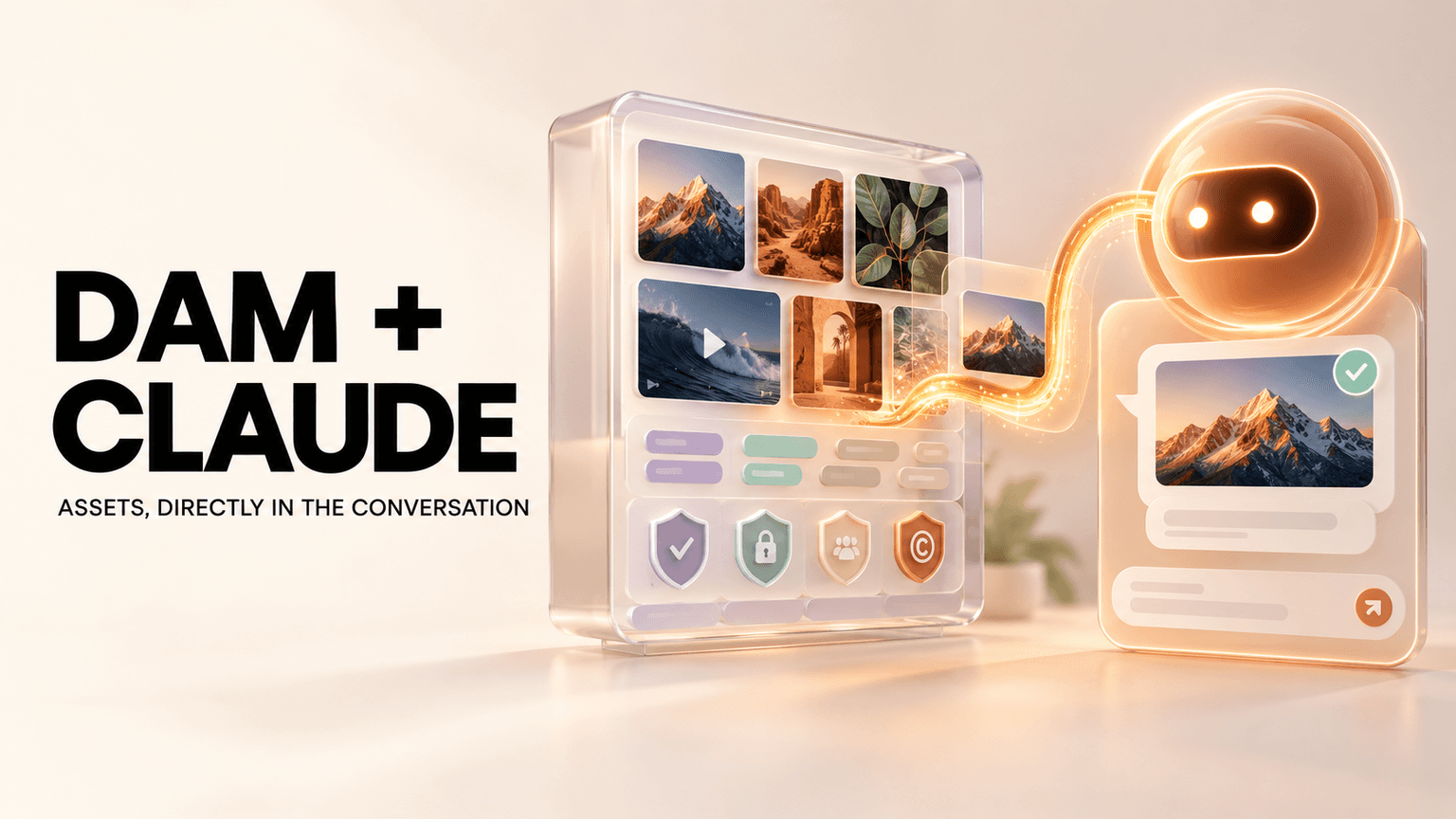
Most Digital Asset Managers (DAMs) are built for archival. They are digital warehouses designed to store finished files. But ad teams don't need a warehouse; they need a factory floor. They need speed, modularity, and intelligence.
Here are the 12 must-have features that separate a storage locker from a true production engine.
1. Built for speed
Yes, speed is a feature. A slow DAM kills creative momentum. In most DAMs, simple tasks are excruciatingly slow. Applying filters, running searches, or even waiting for a file to load. If your DAM is slow, either switch back to Google Drive or change it to Recharm.
2. Utility first UI: Cockpit cluttered with controls
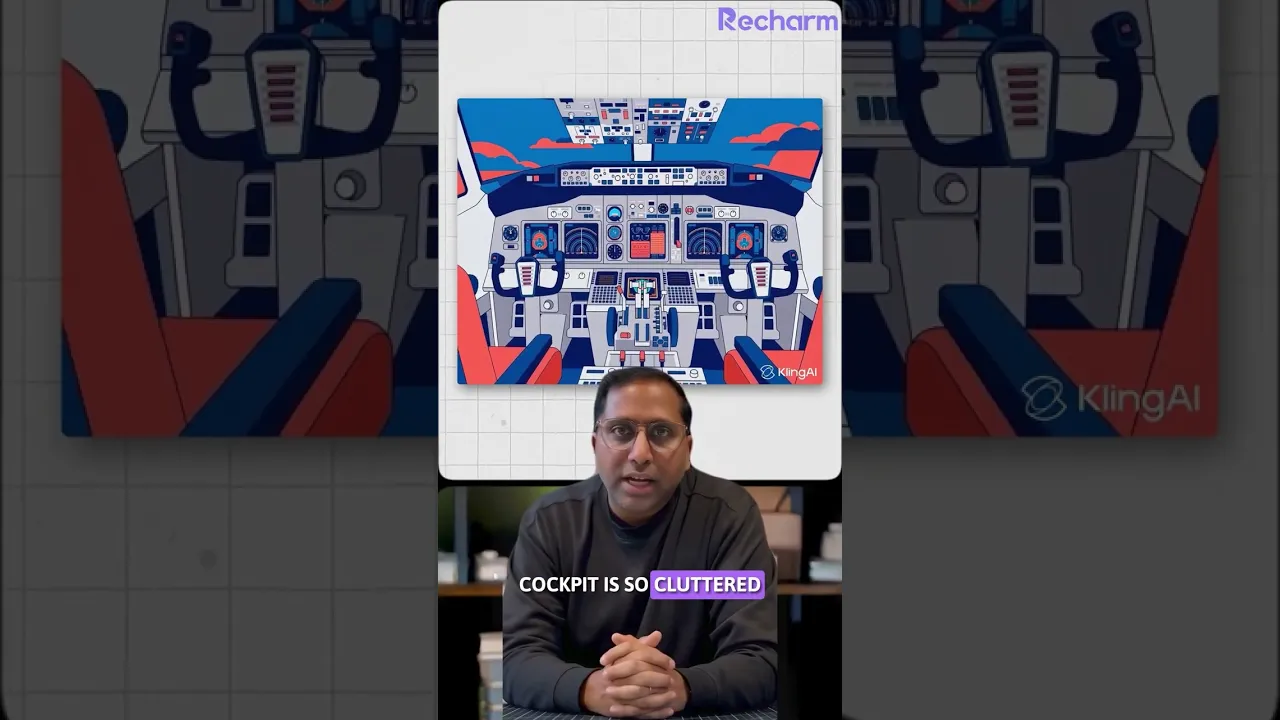
Have you ever wondered why cockpit for pilots look so cluttered with controls. That's because cockput is design for a power user who wants all controls accessible with a single touch. DAM for ad creative teams is a power user tool. However, most DAMs have UI that looks clean, sparse, and pretty, but hides important features behind three or four layers of menus. Why? Most UI designers at DAMs want to make a very beautiful product at the expense of workflow issues. They don't understand the pressure of speed that an ad creative team goes through.
Recharm is built for ad creatives teams and takes pride in the fact that it is cluttered like a cockpit.
3. Auto ingestion
Every minute your team spends uploading files to your DAM is a minute they are wasting on busy work. You don’t have that luxury. Your raw content comes from everywhere: Creators, influencers, Google Drive, Dropbox, Frame.io etc. A modern DAM must have integrations to auto-ingest content from these sources the moment it lands.
4. Avoid nested folders hell
This might sound controversial, but nested folders are where videos go to hide. Nested folders are designed for "super organizers". They are rare people who have time to curate sub-subfolders meticulously. Ad creative teams are measured on creative velocity, not librarian skills.
When you rely on nested folders, assets inevitably get lost in the wrong directory. Someone will put the raw footage in the "Finals" folder. Once that happens, your organization is a mess. A DAM for ad creatives should flatten the hierarchy, not deepen it. Recharm is the ONLY DAM that doesn't have folders.
5. Self organizing library
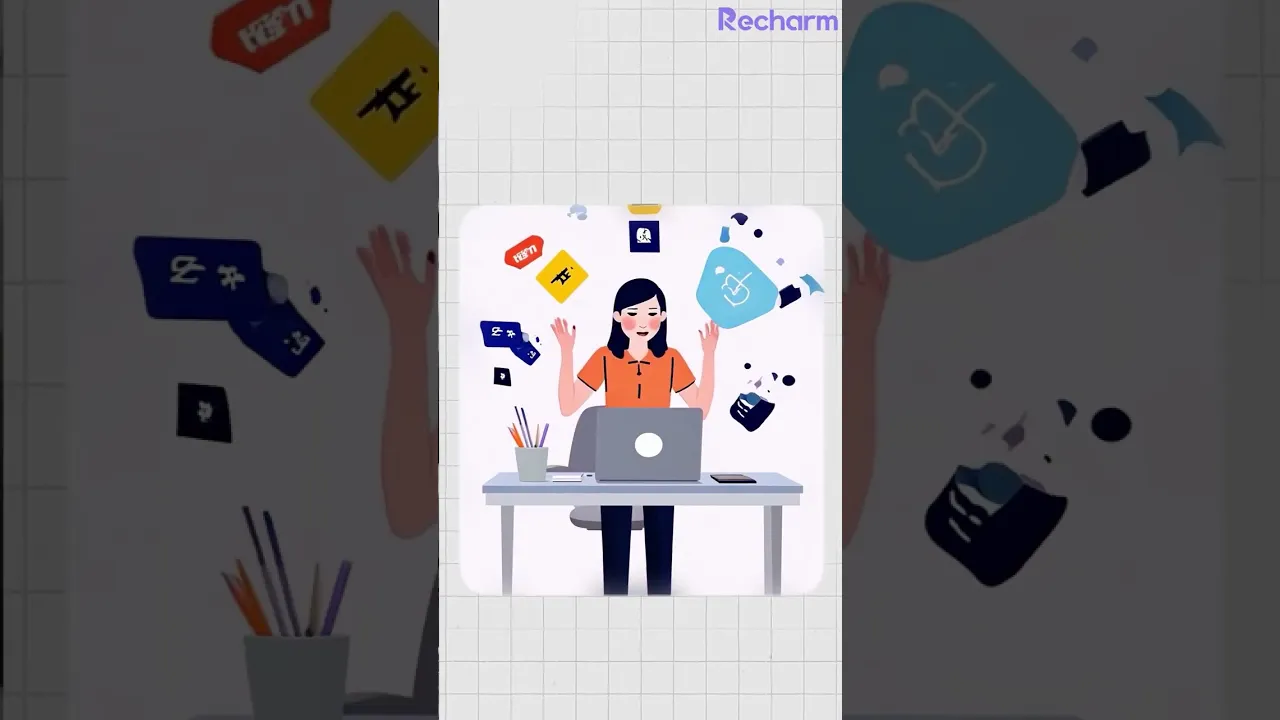
If your DAM requires a human to organize it, it’s already broken. Ad creative teams shouldn't have to worry about tagging footage, sorting dates, or moving files. The library should be self-organizing. It should know what the file is, who is in it, and where it belongs the moment it arrives.

6. No AI "tag slop"
Generative AI is great at producing text, but most DAMs use LLMs to vomit a sea of useless tags onto your videos and images. This is "Tag Slop." Having a video tagged with "blue," "sky," "daytime," and "human" helps no one. Tags are only useful when they are high-quality and relevant to advertising.
You need a system that avoids the slop and applies specific, trusted tags, such as:
Persona
Actor A-roll vs. B-roll
Product
Angle
Specific actions (e.g., "Applying makeup")
7. Video shots, not files
Most DAMs store videos as files, like Google Drive. You need something better. A DAM made for ad creatives breaks videos down into their modular units (shots and scenes) so the creative team can browse the content, not just the file name.
The Litmus Test: How easily can a creative strategist explore the feasibility of a new ad concept using existing footage? If they have to download a 20-minute video file just to find a 3-second clip, your DAM failed.

8. Universal search
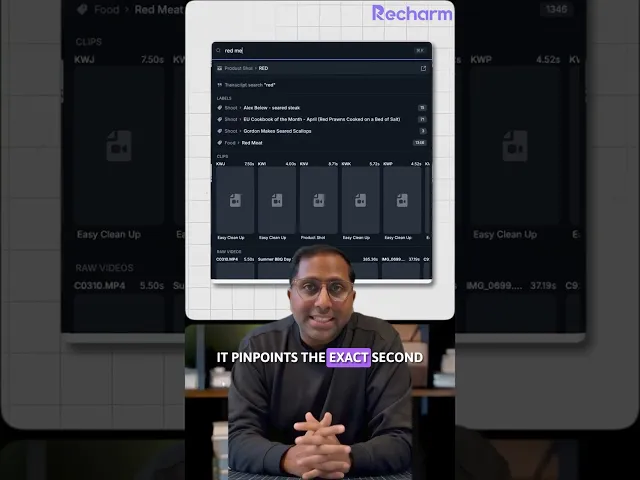
You should be able to search visually within videos, scan transcripts, search by specific scenes, or search by face in one shot. Most DAMs offer simple metadata search, but they can’t point to the exact second a specific shot appears. Tools like Recharm are changing this by allowing for a granular, visual search that finds the moment, not just the file.
9. Deep linking (Stop sharing timestamps)
The workflow between a Creative Strategist and a Video Editor is often messy. Strategists usually copy manual timecodes into a brief ("Please use the shot from 0:12 to 0:15"). This is prone to human error and incredibly tedious.
Your DAM must support Deep Linking. A strategist should be able to send a link that opens the video directly to the specific scene or sentence in the transcript they want used. No timecodes, no downloads, no confusion.
10. Auto-tag videos by faces
Actors, UGC creators, and influencers are the foundation of modern performance creative. They are the "who" of your ad. It is table stakes for your DAM to identify and organize videos by face automatically. You should be able to click on a creator's face and instantly see every piece of content, whether it is A-roll or B-roll, that they have ever appeared in.
11. Consistency in organization
When a DAM forces users to organize content, you get inconsistency. One editor tags it "UGC," another tags it "User Generated," and a third doesn't tag it at all. A good DAM removes user subjectivity. It organizes content according to a strict, system-led logic that remains consistent 100% of the time. Consistency allows for speed; subjectivity creates chaos.

12. Auto-reorganize when business needs change
A video library is a living, breathing thing. Your business needs change. Most DAMs are rigid; if you want to reorganize, you have to do it manually. A modern DAM allows you to pivot your organizational structure based on business needs without manual intervention. If your DAM can't evolve with your strategy, it becomes a liability, not an asset.
Is your DAM slowing you down? If your current tool feels more like a storage locker than a creative partner, it might be time to look for a solution built for the velocity of modern advertising.